11
-
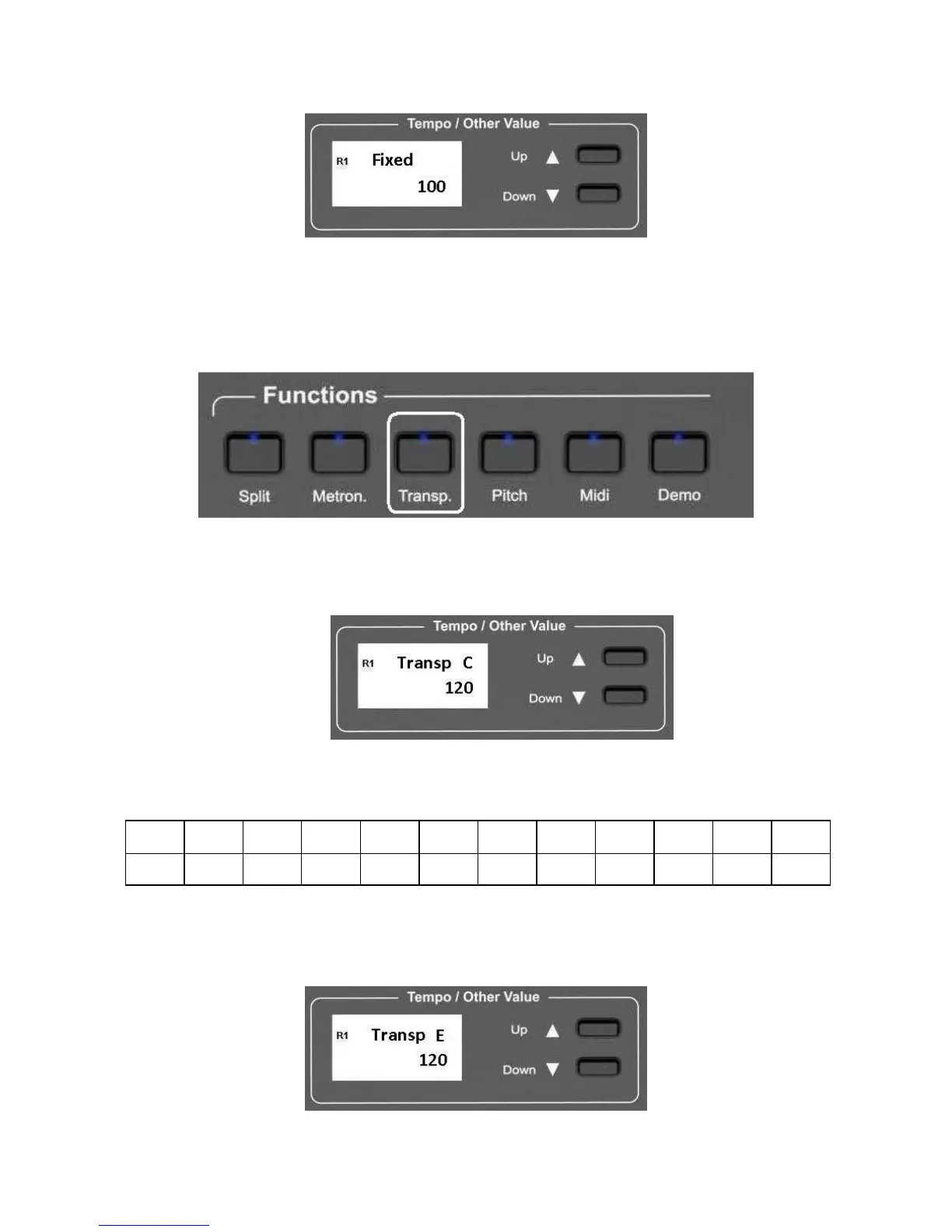
press the Touch Sense button and hold it. The display shows:
-
using the (/\) UP and (\/) Down DATA buttons it is possible to change the response from 0
(no sound) to 127 (maximum volume).
TRANSPOSE
The natural pitch of the instrument is C but can be modified as follows:
-
press the TRANSPOSE button in the FUNCTIONS section.
-
The Transpose button will start blinking and the display will show:
Using the (/\) UP and (\/) Down DATA buttons it is possible to transpose the instrument in
the desired key according to the following table
G G# A A# B C C# D D# E F F#
-5 -4 -3 -2 -1 0 1 2 3 4 5 6
For example, transposing to E:
-
Press the (/\) UP button four times (four semitones), the display will show:
If the new key is A# (starting from C key):



 To Next Page