14
MIDI FUNCTIONS
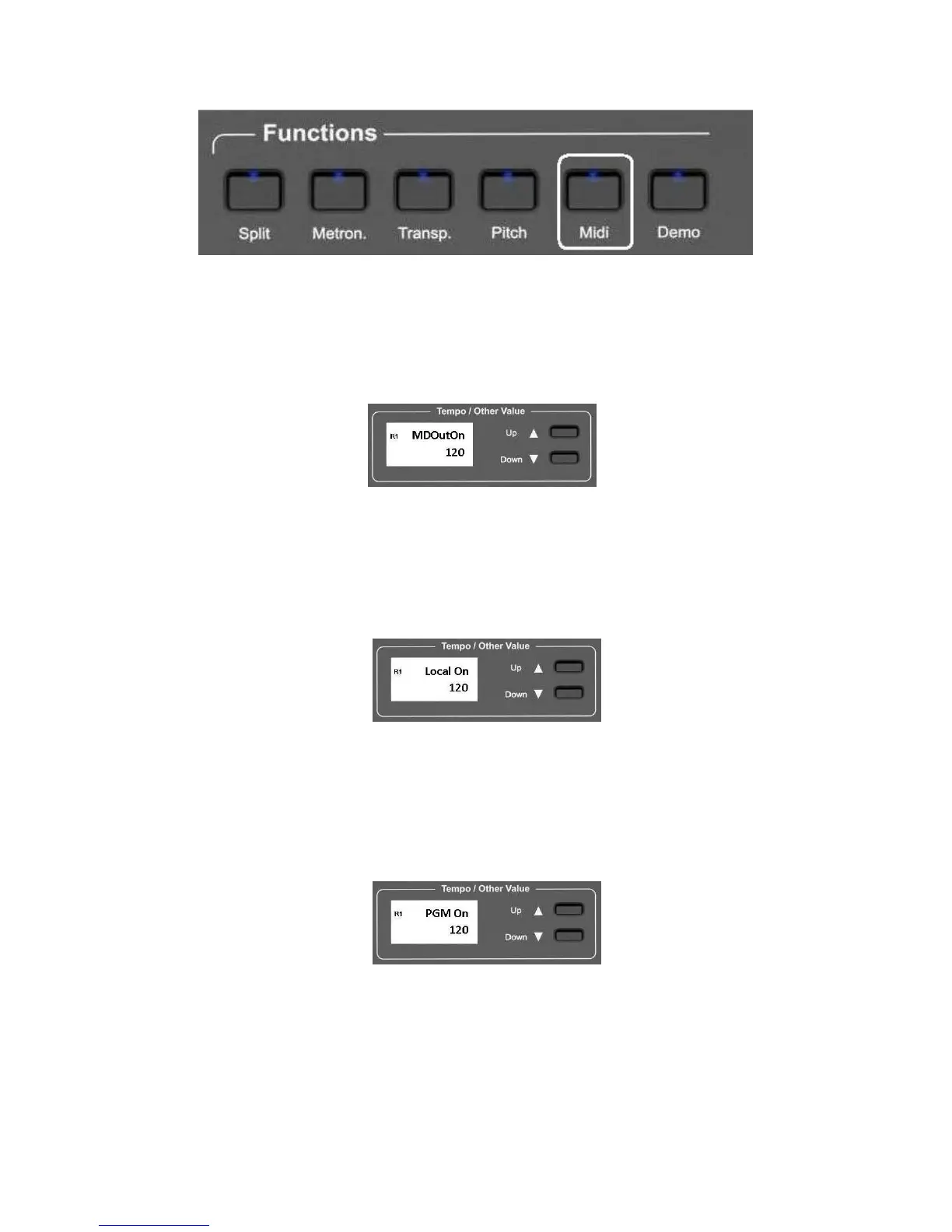
Press the MIDI button several times to select the midi features of the instrument.
While in the midi pages the Midi Led is blinking.
Midi Out On/Off It allows to enable or disable the Midi Out Signal of the instrument.
Press the MIDI button 1 time to select the Midi Out Port On or Off function.
Using the (/\) UP and (\/) Down DATA buttons it is possible to set the Midi
Out On or Off.
Midi Local On/Off It allows to Mute the internal sound and use external sounds only.
Press the MIDI button 2 times to select the Midi Local On or Off feature.
Using the (/\) UP and (\/) Down DATA buttons it is possible to set the Midi
Local On or Off.
Program Change On/Off
It allows to send and receive or NOT the Midi Program Change codes.
Press the MIDI button 3 times to select the Midi Program Changes On or Off
feature.
Using the (/\) UP and (\/) Down DATA buttons it is possible to set the Midi
Program Change On or Off.
Control Change On/Off
It allows to send and receive OR NOT the Midi Control Change codes.
Press the MIDI button 4 times to select the Midi Control Changes On or Off
feature.



 To Next Page