18
RESET
If it should be necessary to completely erase the internal RAM memory, a very simple reset feature
is provided.
1 - Make sure that the instrument is switched off.
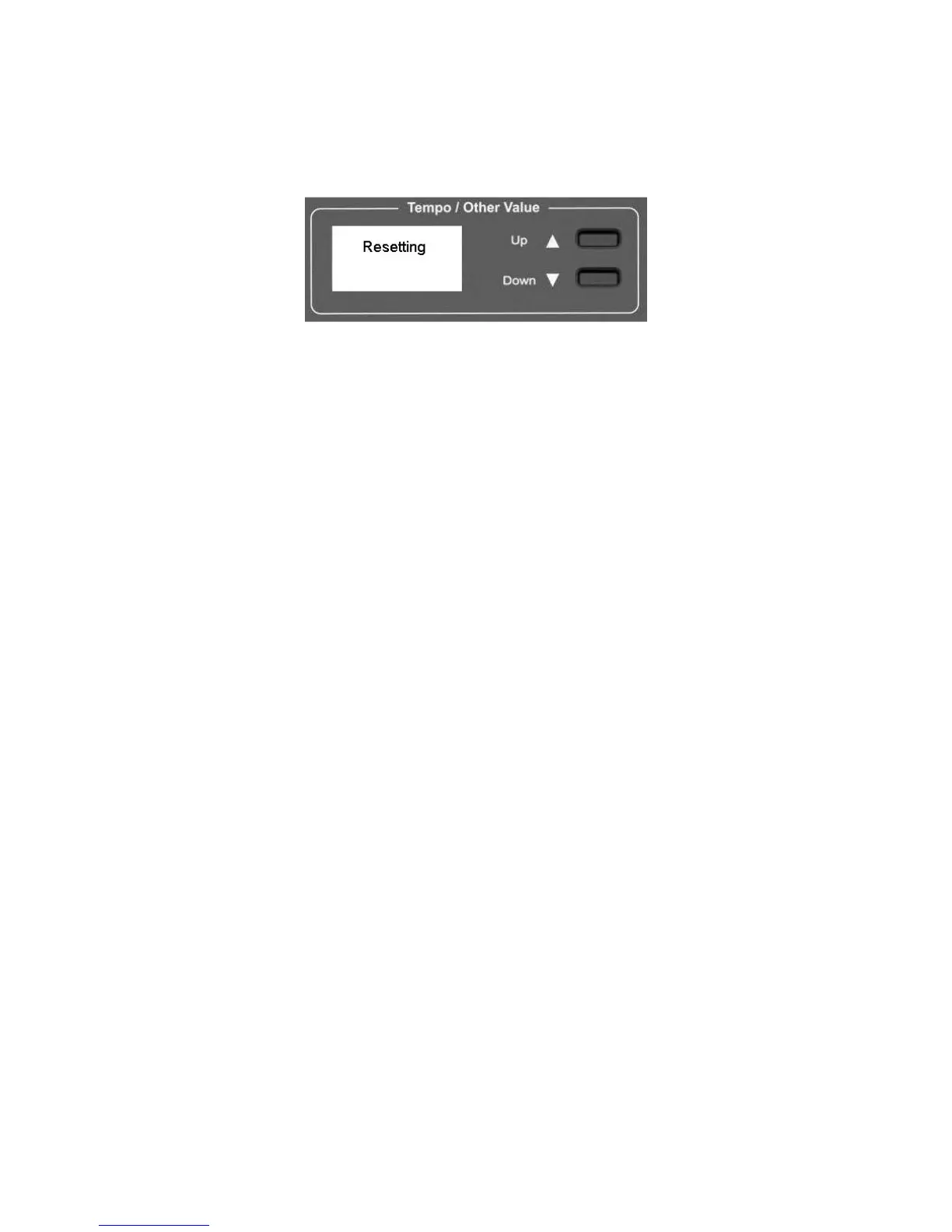
2 - Press and hold the (/\) UP and (\/) Down DATA buttons
3 - Switch on the instrument while holding the (/\) and (\/) buttons down.
4 - The display shows Resetting.
Do not reset the instrument if it is not necessary. All your information you have programmed will
be automatically erased from the internal RAM memory. The factory set programs will be
automatically restored.



 To Next Page