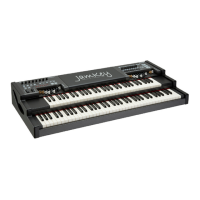
Save and Load Patch
The JamKey Editor has two modes for Saving and Loading Patches:
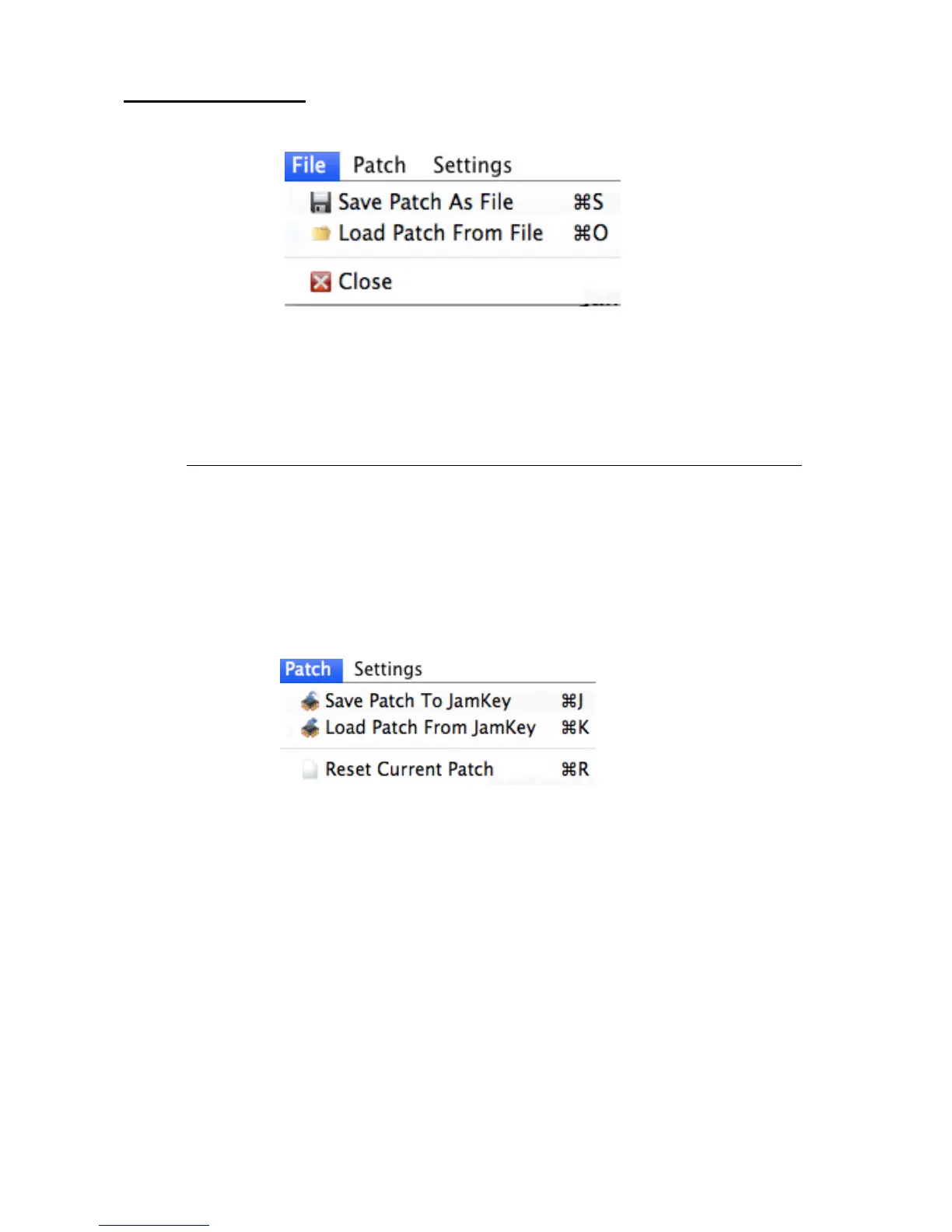
1- File Menu:
- “Save Patch as File”.
The Save mode allows a single Patch to be saved on the computer.
NOTE : It's very important to save all the Patches on the computer as a Patch Back Up.
- “Load Patch From File”
The Load Patch mode offers the ability to load and use Patches stored in the computer.
It is possible to Load a single Patch from the computer to the internal flash-memory of the
JamKey.
2- Patch Menu:
- “Save Patch To JamKey”
The Save mode allows a single Patch from the JamKey Editor Tool to be saved into the
internal Patch memories ( Bank A 1-8 and Bank B 9-16 ) on the JamKey Keyboard.
- “Load Patch From JamKey”
This mode offers the ability to load the current Patch from the JamKey’s internal memory
to the JamKey Editor Tool on the computer.


 To Next Page
 Loading...