Creating and Editing Dynamic Curves
The JamKey Editor Tool can modify the Dynamic Curve parameters on the keyboards to
suit personal requirements.
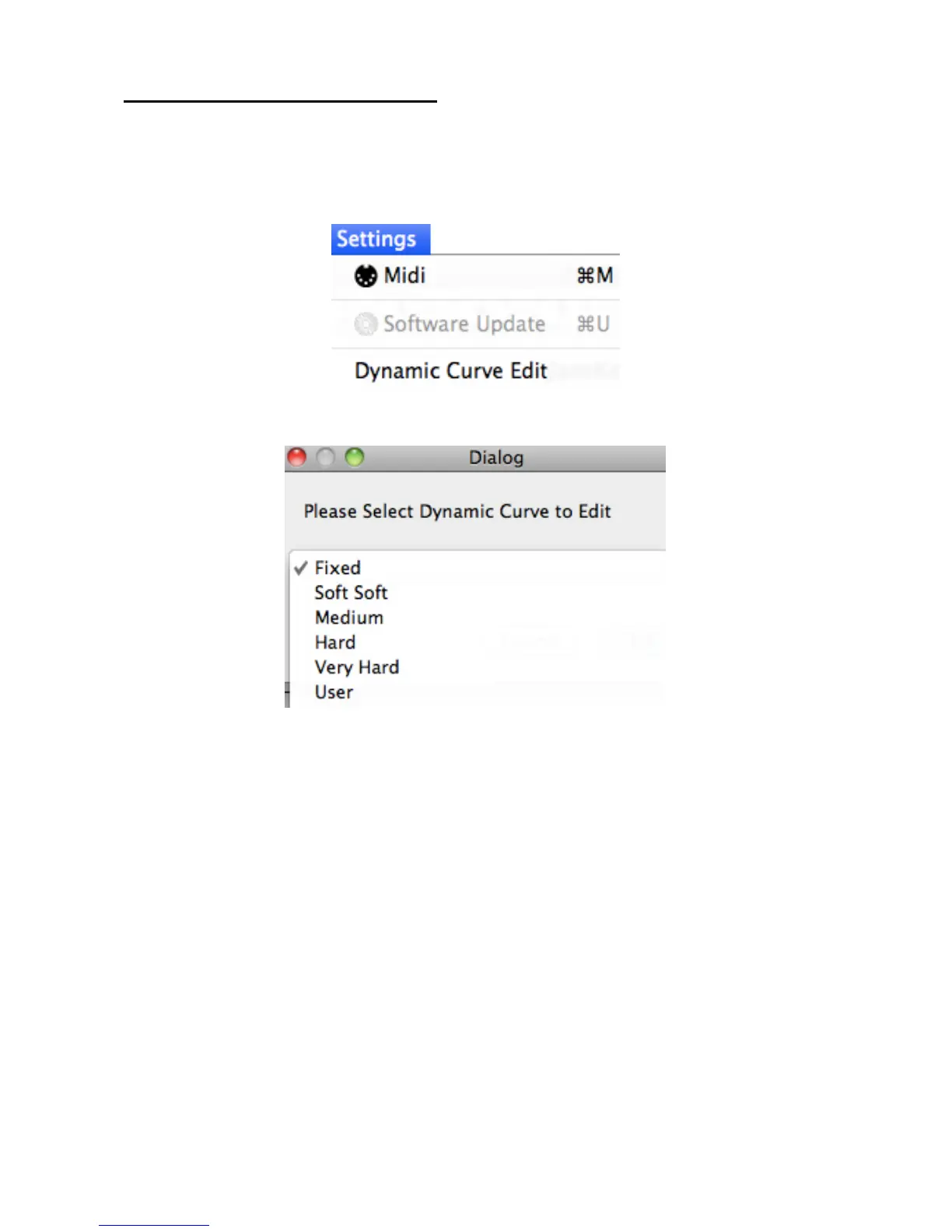
Select the Settings Menu:
Select Dynamic Curve Edit.
There are 5 Dynamic Curves preset in the Editor:
Fixed, Soft, Medium, Hard, Very Hard.
A different curve can be selected for each split in the Patch.
It is also possible to select User and edit a completely new curve according to personal
requirement and save it as “User 1”.


 To Next Page