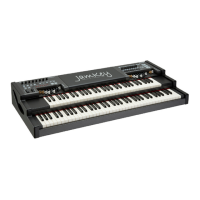
Patch Default on JamKey
The JamKey default setting is ready to play a number of sounds according to GM sound
mapping.
Patch Name Memory Bank Location Patch Type Midi Output Rear Panel
1 - JamKey Organ 1 A GM Midi Standard
2 - Rock 2 A GM Midi Standard
3 - Pop 3 A GM Midi Standard
4 - Jazz 4 A GM Midi Standard
5 - HipHop 5 A GM Midi Standard
6 - Funky 6 A GM Midi Standard
7 - Disco 7 A GM Midi Standard
8 - Dance 8 A GM Midi Standard
9 - Empty 01 1B GM Midi Standard
10 – Empty 02 2B GM Midi Standard
11 – Empty 03 3B GM Midi Standard
12 – Empty 04 4B GM Midi Standard
13 – Empty 05 5B GM Midi Standard
14 – Empty 06 6B GM Midi Standard
15 – Empty 07 7B GM Midi Standard
16 – Empty 08 8B GM Midi Standard
Connect the JamKey to a GM Sound Module using a standard midi cable and the default
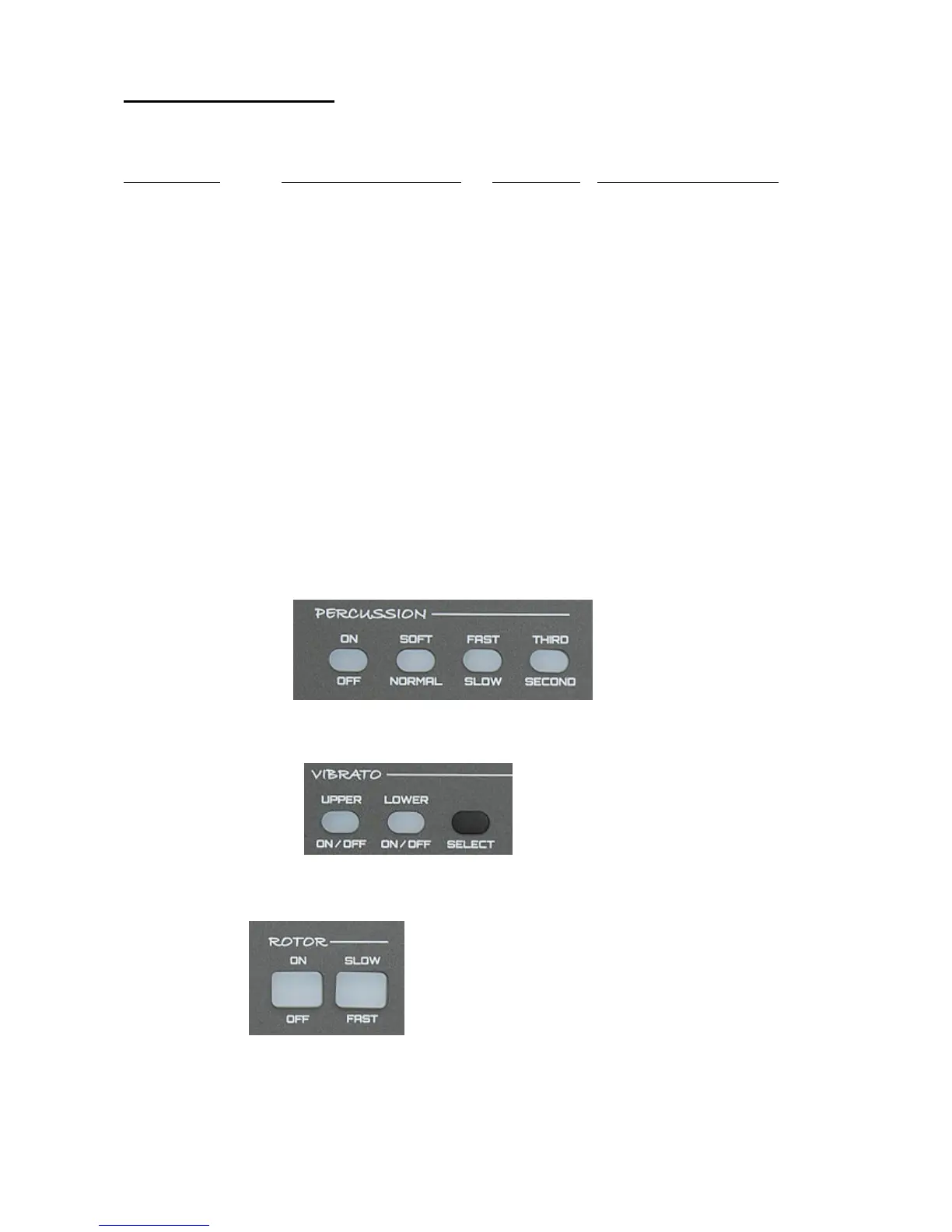
patches can now be accessed. Use the buttons illustrated below to select the available
sounds for the Upper and Lower keyboards.
4 Upper Voice Selectors
Upper Voice Variation I II III IV
3 Lower Voice Selectors
Lower Voice Variation I II III
1 Upper & 1 Lower Main Voice Selectors
Upper & Lower Upper Lower
Main Voice


 To Next Page
 Loading...