- The display will show:
C
Using the (/\) and (\/) DATA buttons it is possible to transpose the instrument in the desired
key according to the following table
G G# A A# B C C# D D# E F F#
-5 -4 -3 -2 -1 0 1 2 3 4 5 6
For example, transposing to E:
- Press the (/\) button four times (four semitones).
- As soon as the button is pressed, the display will show
E
If the new key is A#:
- Press the (\/) button two times (two semitones).
- As soon as the button is pressed, the display will show:
A
NOTE The symbol is to indicate the # symbol
10
At Power Up the instrument returns to the original tuning.
PITCH
In those cases where transposition by semitones is not enough, and a more accurate tuning is
necessary, it is still possible to change pitch.
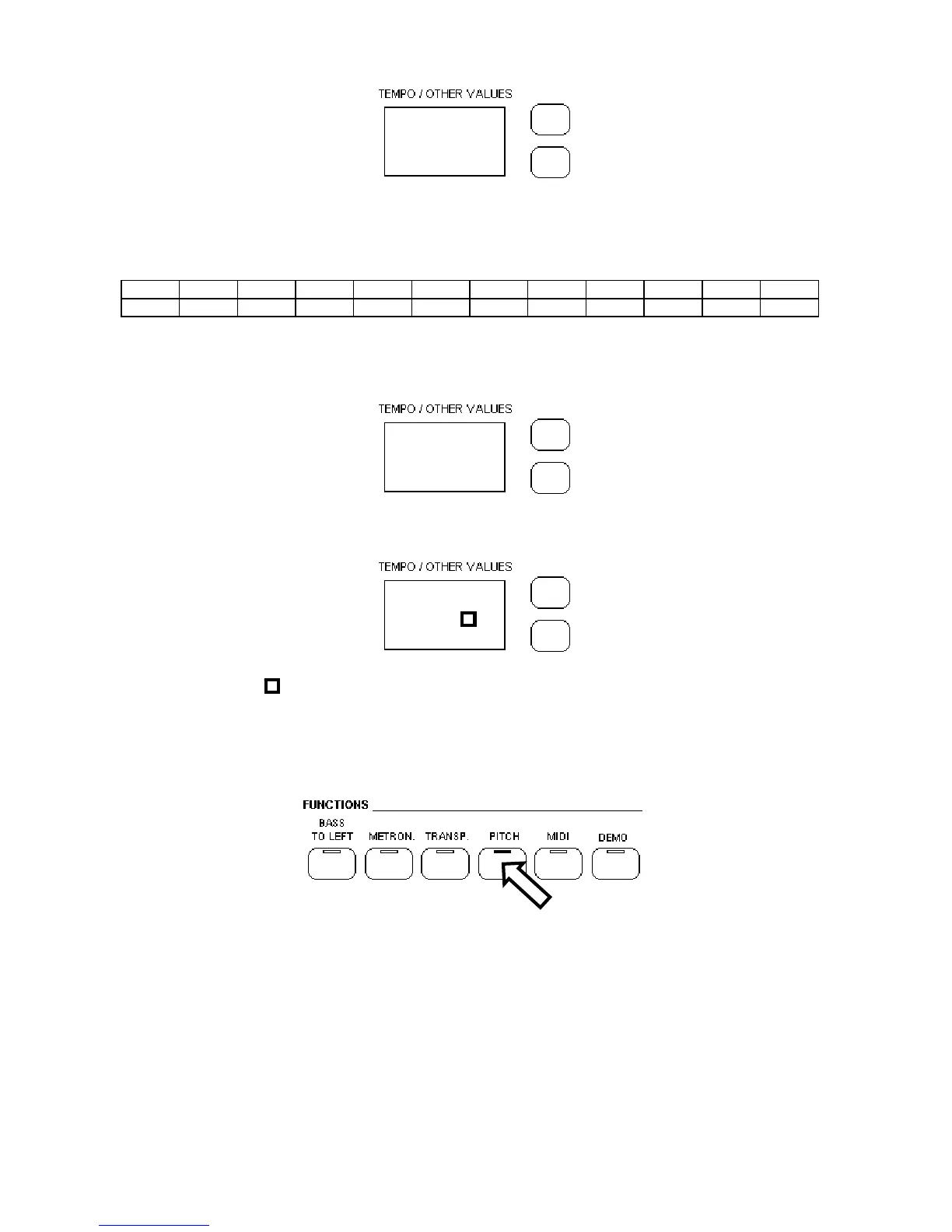
1 - Push the PITCH button.
2 - Push the (/\) or (\/) to match the required frequency.
At Power Up the instrument returns to the original tuning.
SUSTAIN PEDAL
The STAGE PLAYER Digital Piano has a pedal for the Sustain function. It has the same function
as the ''sustain'' pedal on the acoustic pianos. It provides sustain and lets the sound slowly decay
after the keys have been released.



 To Next Page