Check Screen
2
1. Give your Switch 30 seconds to power on. The lights may
stay o during this process.
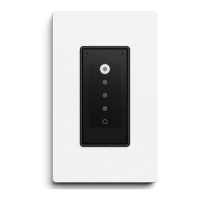
2. Check to see that the screen lights up.
3. If your Switch does not turn on, go to pg. 39 for
troubleshooting.
Detach Mount from Faceplate
3
Push a flathead screwdriver into the slot at the bottom of the faceplate
until it separates from the mount. Gently pry apart the two pieces.


 To Next Page