2
Installation
Removing the Old Temperature Detector
Required Tools Medium Phillips screwdriver
Small slotted screwdriver
Unplug the Grill Unplug the grill from AC power.
WARNING: AC power is present on the control at all
times and is a shock hazard unless the grill is
disconnected from the wall socket or AC line.
Remove the Control Remove the faceplate screws using a medium Phillips
screwdriver. Save the screws for use later.
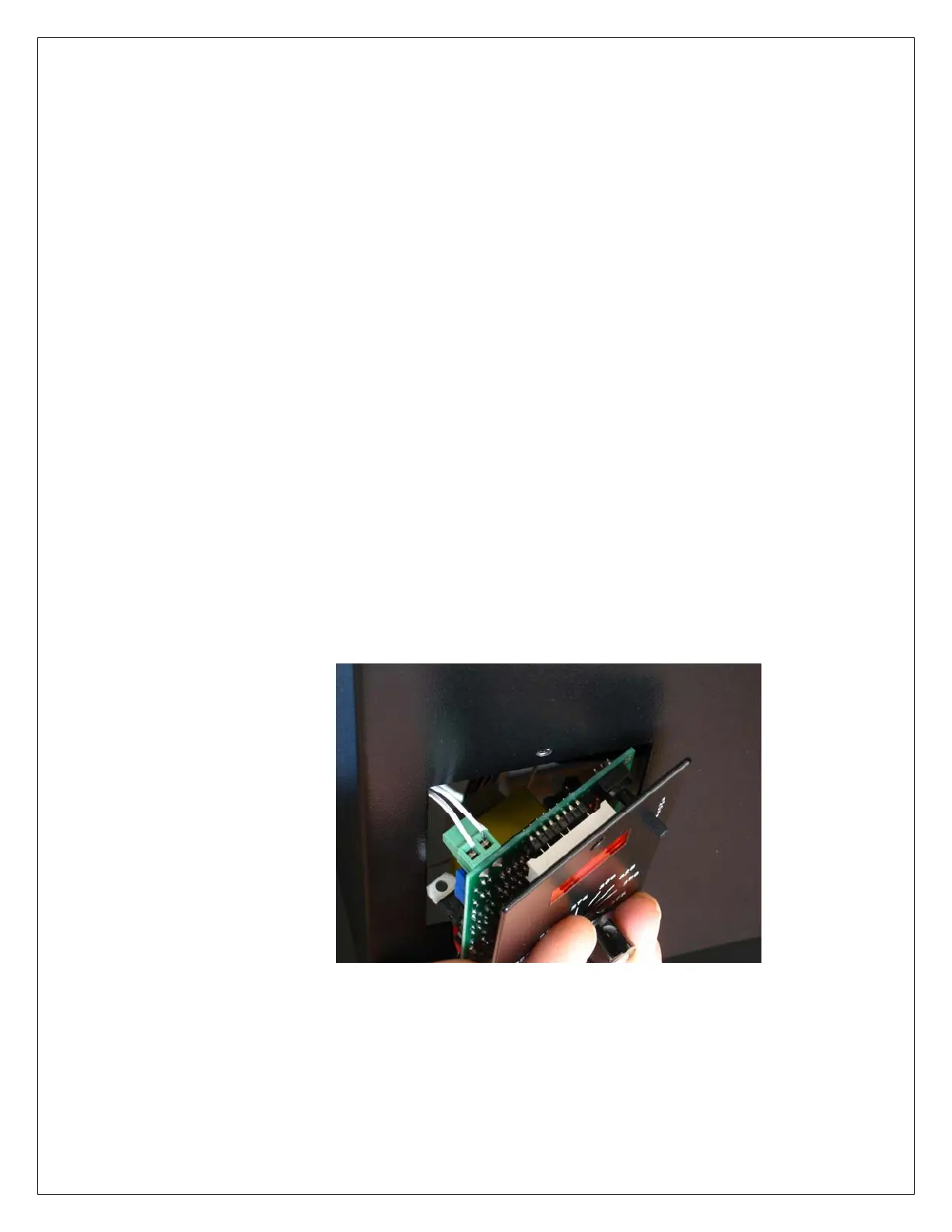
Remove the control’s circuit board from the cutout at an
angle to ensure the circuit board fits through the cutout
without damage.
Gently pull the control forward, rotating it slightly to the
right. Once clear, pull the wire harness far enough out of
the cutout to expose the RTD connector on the back of the
circuit board.
WARNING: Do not force the control out of the
cutout. Bumping electronic components into the
edge of the cutout may damage the control.



 To Next Page