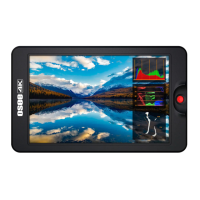
POWER ON
❶ Install the battery or connect the power cord.
❷ Switch the power switch to “一”position, the device is powered on,
and the control buttons on the front panel are lit up in highlight white.
* It will display the boot screen after power on for 3~4 seconds.
* The BATT OUT interface could offer a power output when amounting battery in
the device.
* Only use the adapter and the power cord specified by the manufacture for your
safety!



 To Next Page