17
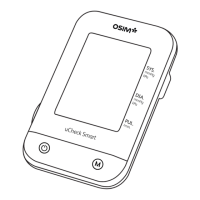
8. You may now start measuring by tapping on ‘uCheck Smart’
on the Device tab.
9. Follow the tutorial closely to begin measurement.
To view tutorial again on how to use uCheck Smart, go to
‘Devices’> ‘uCheck Smart’> More Options >Tutorial.
Note: Once paired with the OSIM Well-Being App, all measurement data
WILL NOT be stored in the uCheck Smart.
7. The uCheck Smart icon image will appear on the pairing list
when the product is detected. Tap on it to connect.
OSIM Well-Being
Pairing uCheck Smart with smart device


 To Next Page