EasyManua.ls Logo

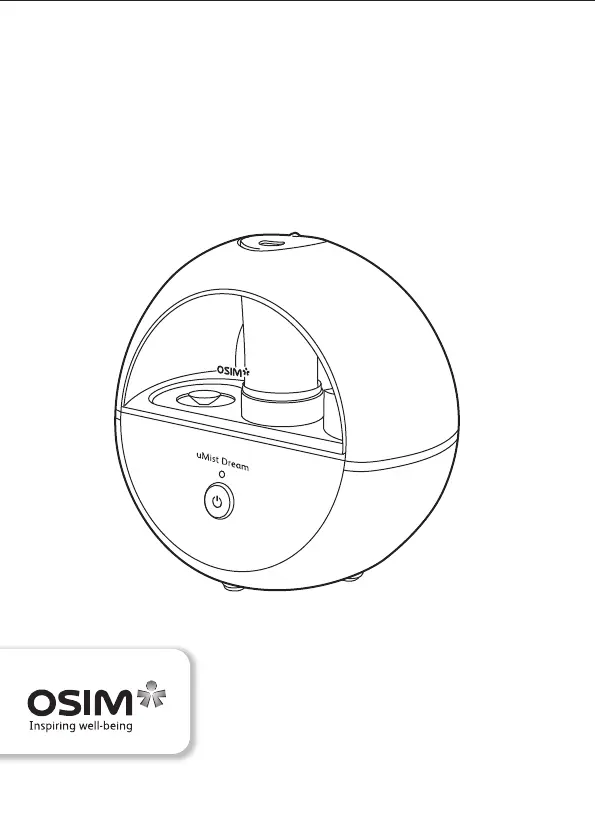
OSIM uMist Dream - User Manual

OSIM uMist Dream
63 pages
Print Icon
To Next Page IconTo Next Page
Loading...
uMist Dream
OS-635 Operation Manual
Designed & Developed in Singapore by OSIM International Pte. Ltd. (A Subsidiary of V3 Group)
© 2021 All rights reserved. www.OSIM.com Rev 04

Questions and Answers

  • N
    nancy40Jul 30, 2025
    Why does white residue form on my OSIM uMist Dream Air Cleaner?
    • Q
      qrobertsJul 30, 2025
      If you notice white particles forming on the top surface of the OSIM Air Cleaner base, it's likely due to mineral residue from tap water. To resolve this, clean the top surface of the base with a clean, dry cloth. Also, ensure you are using only clean, cool tap water to fill the water tank. Unclean water or water containing chemicals can also cause this issue.
  • M
    michael95Aug 6, 2025
    What to do if my OSIM Air Cleaner emits little mist?
    • F
      fordemilyAug 6, 2025
      If your OSIM Air Cleaner (uMist Dream) emits little mist, ensure it's placed on an even, flat, and non-slip surface. Also, check the water tank and fill it with water if it's empty.
  • A
    Amber RobertsAug 13, 2025
    What to do if the OSIM Air Cleaner water tank is leaking?
    • M
      Marisa MurrayAug 14, 2025
      If water is leaking from the water tank of your OSIM Air Cleaner, make sure the water tank cap is screwed on tightly. Additionally, inspect the water tank for any damage. Do not use a damaged water tank. It is also important to avoid tilting or moving the unit during operation.
  • A
    Aaron SimsAug 21, 2025
    What to do if the OSIM uMist Dream LED doesn't light up?
    • D
      Danielle PhamAug 22, 2025
      If the LED indicator doesn't light up after you turn on your OSIM Air Cleaner (uMist Dream), check the connection of the adapter jack to ensure it is properly connected. Also, verify that the electrical outlet is turned on.

Summary

Safety Precautions and Guidelines

Usage Environment Recommendations

Guidelines for placing and using the product in various environments to ensure safety and prevent damage or malfunction.

Malfunction Prevention Measures

Instructions to prevent product malfunction, including handling power adapters and water tanks.

Conditions Prohibiting Product Use

Situations requiring immediate power off and contact with service center due to safety risks like immersion or overheating.

Product Assembly and Repair Policy

Instructions regarding product assembly and repair, emphasizing professional servicing by authorized centers.

Power Adapter Usage Notes

Important guidelines for using the power adapter safely, including voltage checks and handling precautions.

Introduction to the uMist Dream Humidifier

Understanding Ultrasonic Sound Wave Energy

Explanation of ultrasonic sound wave energy used in the humidifier, generated by high-frequency vibrations.

Identifying Humidifier Parts and Functions

Humidifier Features and Effectiveness

Preparation Before First Use

Filling the Water Tank Correctly

Step-by-step guide on how to remove, fill, and secure the water tank for the uMist Dream.

Operating the uMist Dream Humidifier

Step-by-Step Operation Guide

Instructions on how to operate the uMist Dream, including turning it on, using the night light, and indicators.

Product Care and Storage Instructions

Troubleshooting Common Issues

Product Specifications and Details

OSIM uMist Dream Specifications

General IconGeneral
BrandOSIM
ModeluMist Dream
CategoryAir Cleaner
LanguageEnglish