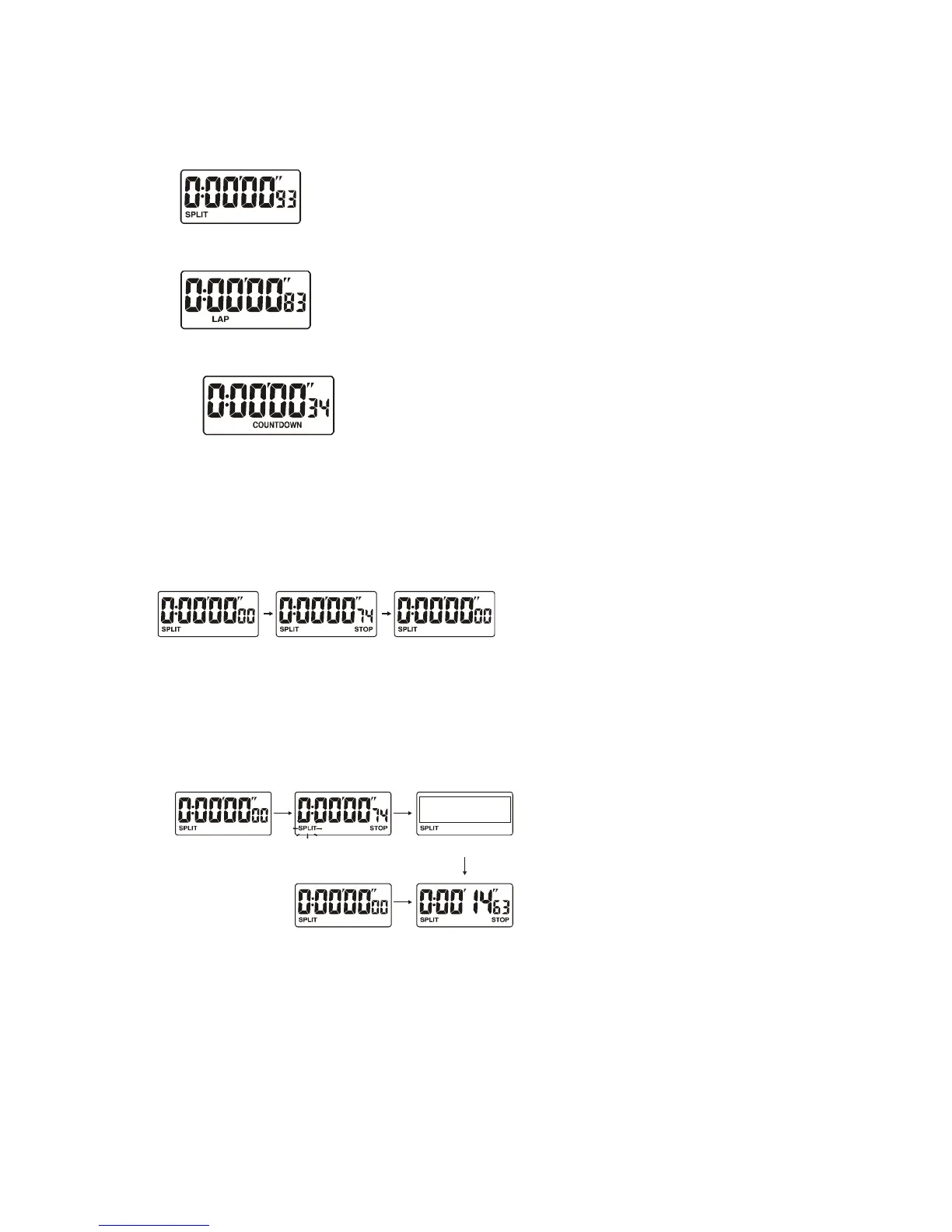
Split mode
Lap mode
Countdown timer mode
How to Use the Stopwatch
Press button B to enter Split mode.
1. Single event measurement
Press buttons in the following order:
C>C>A
2. Split time measurement.
Press buttons in following order:
C >A > A > C>A
3. Consecutive split time measurement.
You may take as many split times as you require.
Press buttons in following order:
C > A > C >A > A
Start Stop Reset
Start Split


 To Next Page