EasyManua.ls Logo

Osram EASY - User Manual

Osram EASY
31 pages
Print Icon
To Next Page IconTo Next Page
Loading...
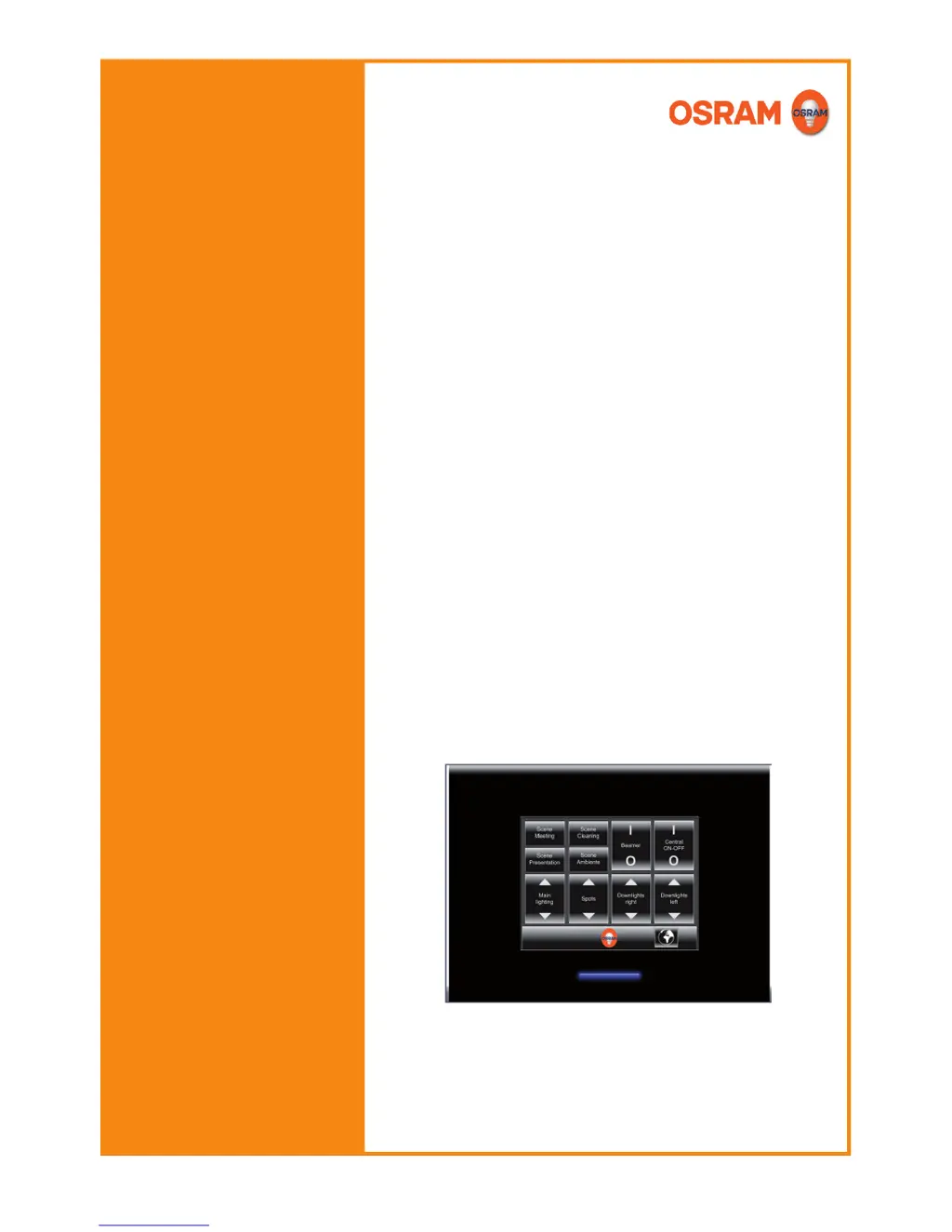
EASY Touch Panel
Operating instructions

Questions and Answers

Summary

Description

Installation

Safety instructions

Provides essential safety warnings and precautions for installing the Touch Panel.

Procedure

Outlines the step-by-step procedure for installing the EASY Touch Panel into a flush device box.

Basic settings

DIP switches

Explains how to adjust basic settings of the Touch Panel using DIP switches.

Configuration

Configuration procedure

Outlines the general procedure for configuring the Touch Panel, including elements and functions.

Inserting, removing and moving operating elements

Explains how to insert, remove, and move operating elements on the Touch Panel screens.

Configuring operating element functions

Explains how to configure the specific functions for different types of operating elements.

Troubleshooting

Display and Input Issues

Resolves problems with a dark display or unreliable operation of touch elements.

Control Unit Communication Problems

Addresses issues where control units do not react or cannot be controlled individually.

Functionality and Relay Errors

Troubleshoots relay contact failures and incorrect operation of colour/temperature controls.

Operation

Calling up;saving light scenes

Details how to call up and save light scenes using the operating element.

Starting and stopping sequences

Describes the procedure for starting and stopping sequences via the Touch Panel.

Service functions

Updating the firmware

Provides steps for saving the configuration and updating the Touch Panel firmware.

Resetting to default settings

Details the procedure for resetting the Touch Panel configuration to its default settings.

Saving;loading configuration via SD card

Guides on saving and loading Touch Panel configurations using an SD card.

Summary

Description

Installation

Safety instructions

Provides essential safety warnings and precautions for installing the Touch Panel.

Procedure

Outlines the step-by-step procedure for installing the EASY Touch Panel into a flush device box.

Basic settings

DIP switches

Explains how to adjust basic settings of the Touch Panel using DIP switches.

Configuration

Configuration procedure

Outlines the general procedure for configuring the Touch Panel, including elements and functions.

Inserting, removing and moving operating elements

Explains how to insert, remove, and move operating elements on the Touch Panel screens.

Configuring operating element functions

Explains how to configure the specific functions for different types of operating elements.

Troubleshooting

Display and Input Issues

Resolves problems with a dark display or unreliable operation of touch elements.

Control Unit Communication Problems

Addresses issues where control units do not react or cannot be controlled individually.

Functionality and Relay Errors

Troubleshoots relay contact failures and incorrect operation of colour/temperature controls.

Operation

Calling up;saving light scenes

Details how to call up and save light scenes using the operating element.

Starting and stopping sequences

Describes the procedure for starting and stopping sequences via the Touch Panel.

Service functions

Updating the firmware

Provides steps for saving the configuration and updating the Touch Panel firmware.

Resetting to default settings

Details the procedure for resetting the Touch Panel configuration to its default settings.

Saving;loading configuration via SD card

Guides on saving and loading Touch Panel configurations using an SD card.

Osram EASY Specifications

General IconGeneral
TypeTouch Panel
BrandOsram
ModelEASY
Mains frequency50/60 Hz
DimmingYes
Product colorWhite
Operating voltage220-240V
Voltage220-240V
Type of installationSurface