www.osram.com/lightify-4you
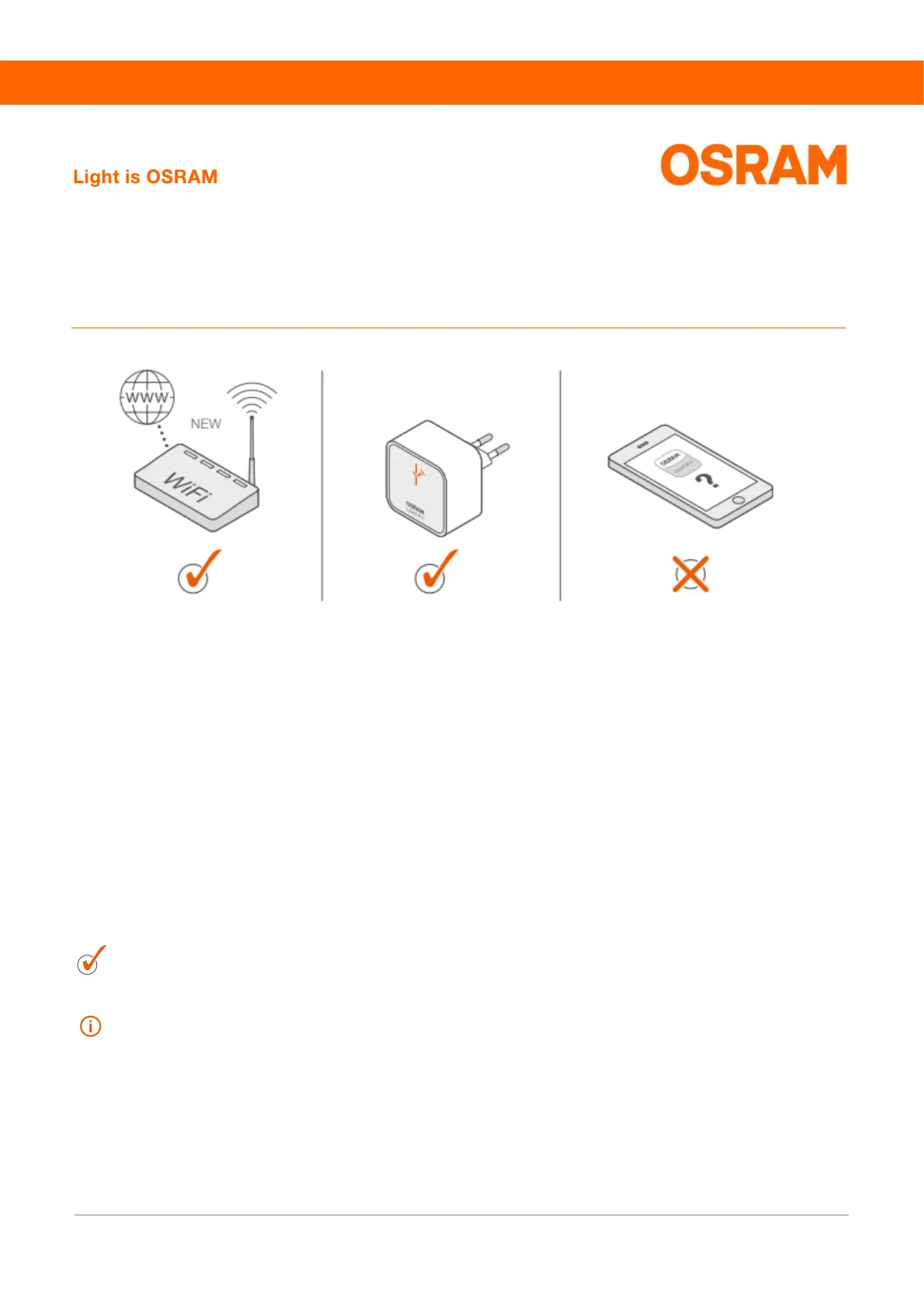
Your LIGHTIFY system is not working after your router
has been replaced? This is what you can do:
Onboarding OSRAM LIGHTIFY 7
You have replaced your router and cannot reconnect to your Gateway? Please proceed as follows:
1. Note the Gateway SSID and password from the Gateway's back side.
2. The Gateway WiFi will be displayed in the list of available networks in your phone’s settings after 60
seconds. Now you can connect your device to the LIGHTIFY® Gateway (find SSID and password
on the Gateway's back side).
3. You can start the app once you are connected to the LIGHTIFY Gateway.
4. Finally, follow the instructions under: “Menu -> System settings -> Gateway: WiFi configuration”.
Now the initial operation is finished. Please see our app guide to change your settings.
For further information, see our FAQ’s, or contact our customer support under lightify@osram.com



 To Previous Page
 Loading...