English-5 | oster.com English-6 | oster.com
WARNING: Toasted food can be very hot. Handle with care.
WARNING: Never insert your fingers or metallic utensils into the bread slots
Using Your Toaster
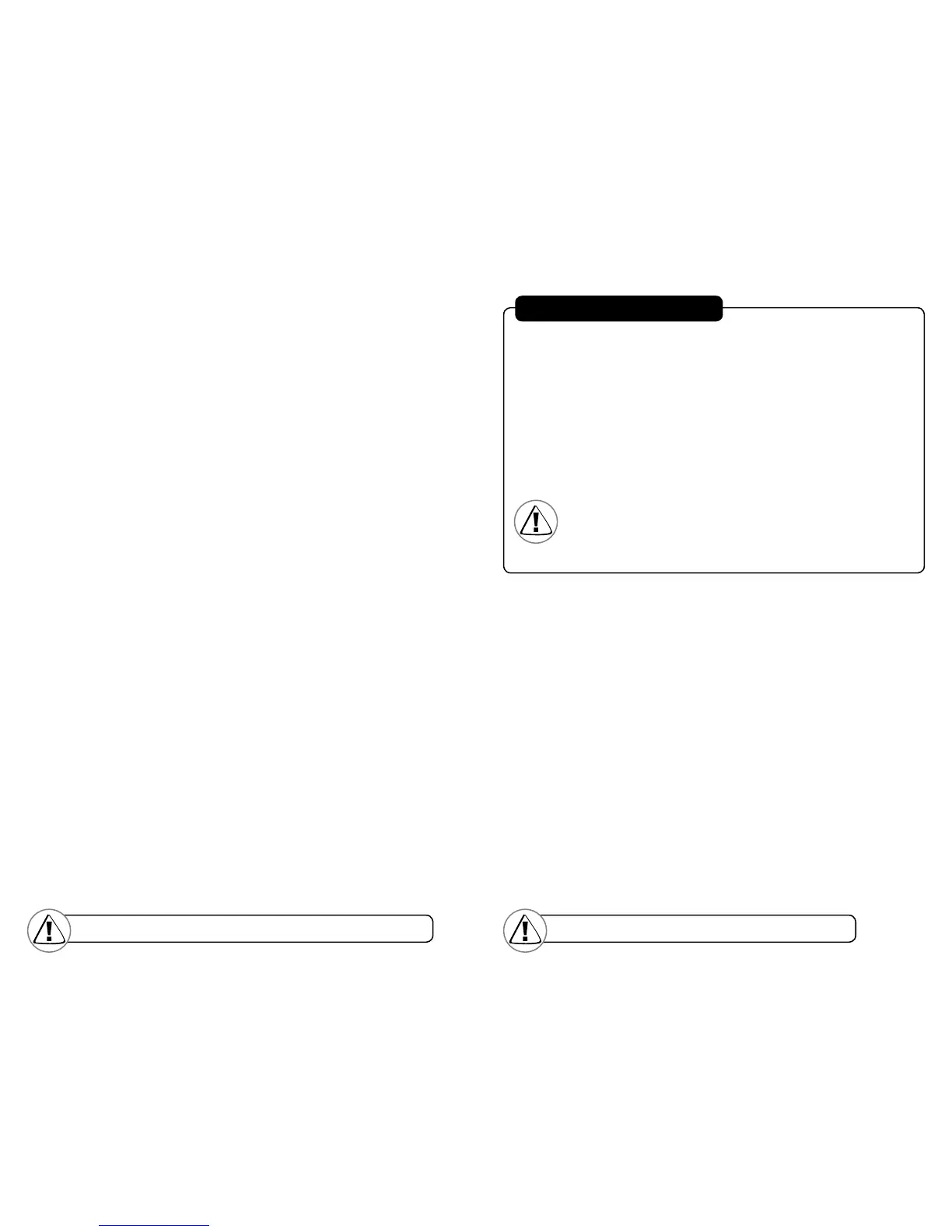
Inserting the food into the bread slots and toasting:
•Mosttypesofbreadsandpastriescanbetoasted,suchasbagels,tea
cakes, thickly sliced breads, English muffins, etc. Slices should not,
however, be so thick as to jam the bread slots.
•Whentoastingtwoslicesatatime,theslicesshouldbeofequalsizeand
freshness toensure even toasting.
•Whentoastingtwoslicesofbread,placeonesliceinthecenterofeach
bread slot.
•Whentoastingonesliceofbread,placethesliceinthecenterofeither
bread slot.
After you insert the food into the bread slots:
•Regulartoastisthedefaultsetting.Ifyouwishtotoastabagelpress
the bagel button. If you select bagel, the bagel button indicator light will
illuminate to indicate your selection.
•SelectthedesireddarknesssettingbyturningtheLighter/Darkerknob.
•PresstheBreadCarriageLeverdownuntilitlocks.
The Auto-Adjusting Bread Guides will automatically center the food for
even browning.
After the desired level of darkness has been reached, the food will pop up
automatically.TheBreadCarriageLeverwillreturntoitsoriginalposition
and the indicator lights will turn off.
•Carefullyremovethetoastedfoodfromthebreadslots.
GENERAL INFORMATION
Tip: Yourtoasterhasbeendesignedforoptimumtoastbalance.Some
elements ontheinsideof the toaster may glow more brightly than others
when in use. Thisispart of normal toaster operation.
Using the Cancel Function
Press the Cancel button. The toaster will stop toasting immediately and
the food willpopup automatically.
To remove food jammed in the bread slots: Unplug the toaster and
remove thefood once thetoaster has cooled down.
Do not place food on top of toaster while it is warming.
WARNING: Empty the Crumb Tray frequently.
Crumbswillaccumulate in the Crumb Tray and couldcatch fire
if not emptied periodically.
Cleaning Your Toaster
After use and before cleaning, unplug the toaster Power Cord from the power
outlet and wait for the toaster to cool.
•Wipetheoutsideofthetoasterwithadampclothandthendryitwithanother
cloth or paper towel. Do not use abrasive cleaners; they will damage the
toaster’s finish.
•Lightlytapthesidesofthetoastertodislodgeanycrumbscaughtinthe
toast chamber. Remove the Crumb Tray and empty it. Wipe the tray clean
with a damp cloth or place it in the top rack of your dishwasher for cleaning.
Be certain to put the Crumb Tray back into the toaster before using the
toaster again.
•Wipethesurfaceonthetopofthebreadslotswithadampclothanddryit
with another cloth or paper towel.


 To Next Page