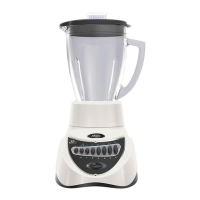
English-4
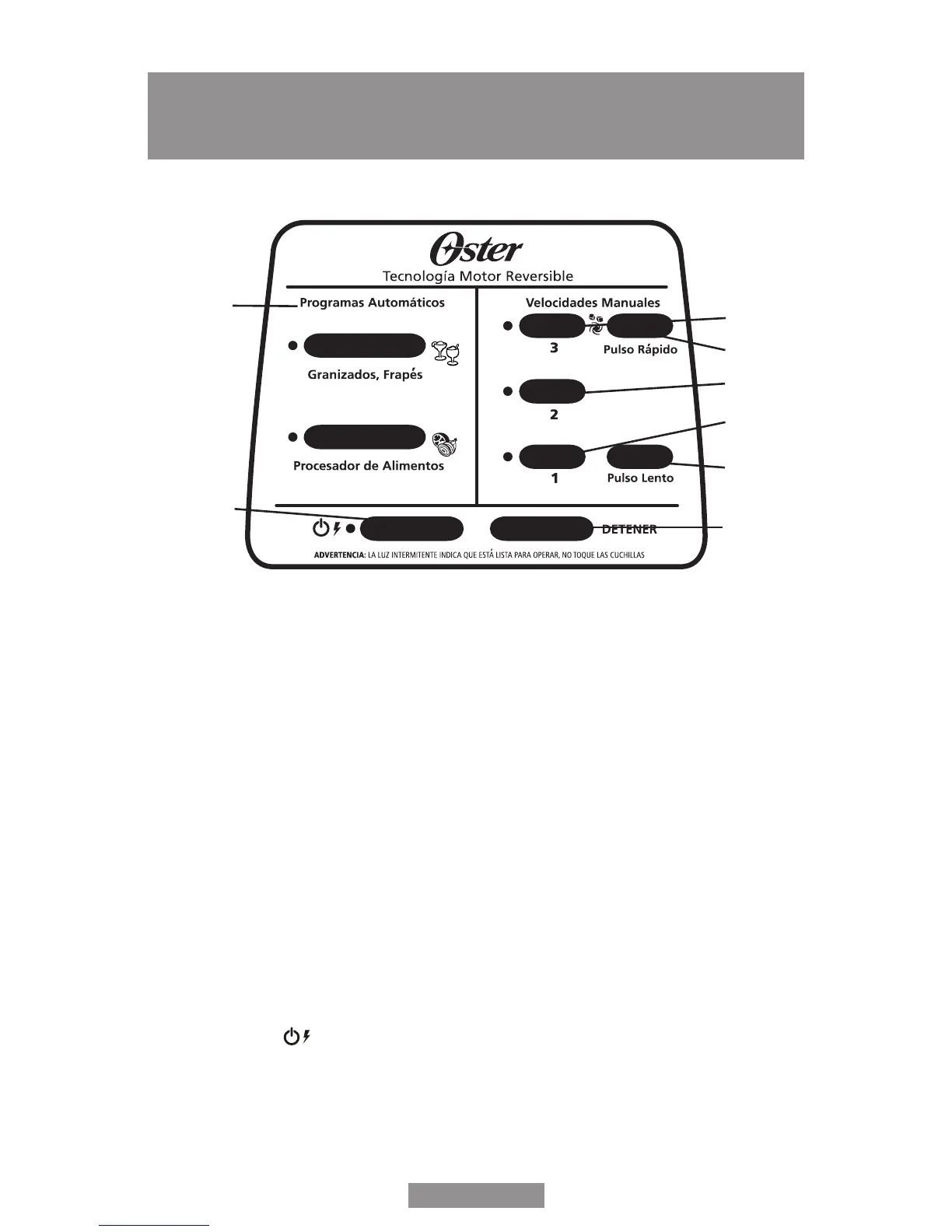
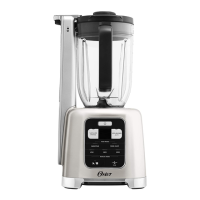
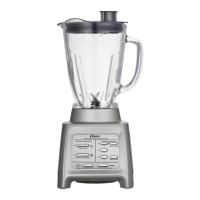
CONTROL PANEL
a. Pre-Programmed Settings – Use to select “Granizados, Frapés” (Frozen Drinks &
Shakes) Button or “Procesador de Alimentos” (Food Processor) Button. Blender
automatically shuts off when cycle is nished.
b. Velocidades manuales (Manual Controls) Speed 3 – Use for max speed or ice
crushing
c. Velocidades manuales (Manual Controls) Speed 2 – Use for medium speed
d. Velocidades manuales (Manual Controls) Speed 1 – Use for low speed
e. Pulso Rápido (Max Pulse) Button – Press and hold to Pulse, release the button to
stop. Recomended for ice crushing.
f. Pulso Lento (Low Pulse) Button – Press and hold to Pulse, release the button to
stop. Recomended for preparing sauces and dips.
g. Power Button ( button) – Turns the product On and Off
h. Detener (Stop) Button – Use to Stop the product
b
e
c
d
f
h
a
g


 To Next Page