4
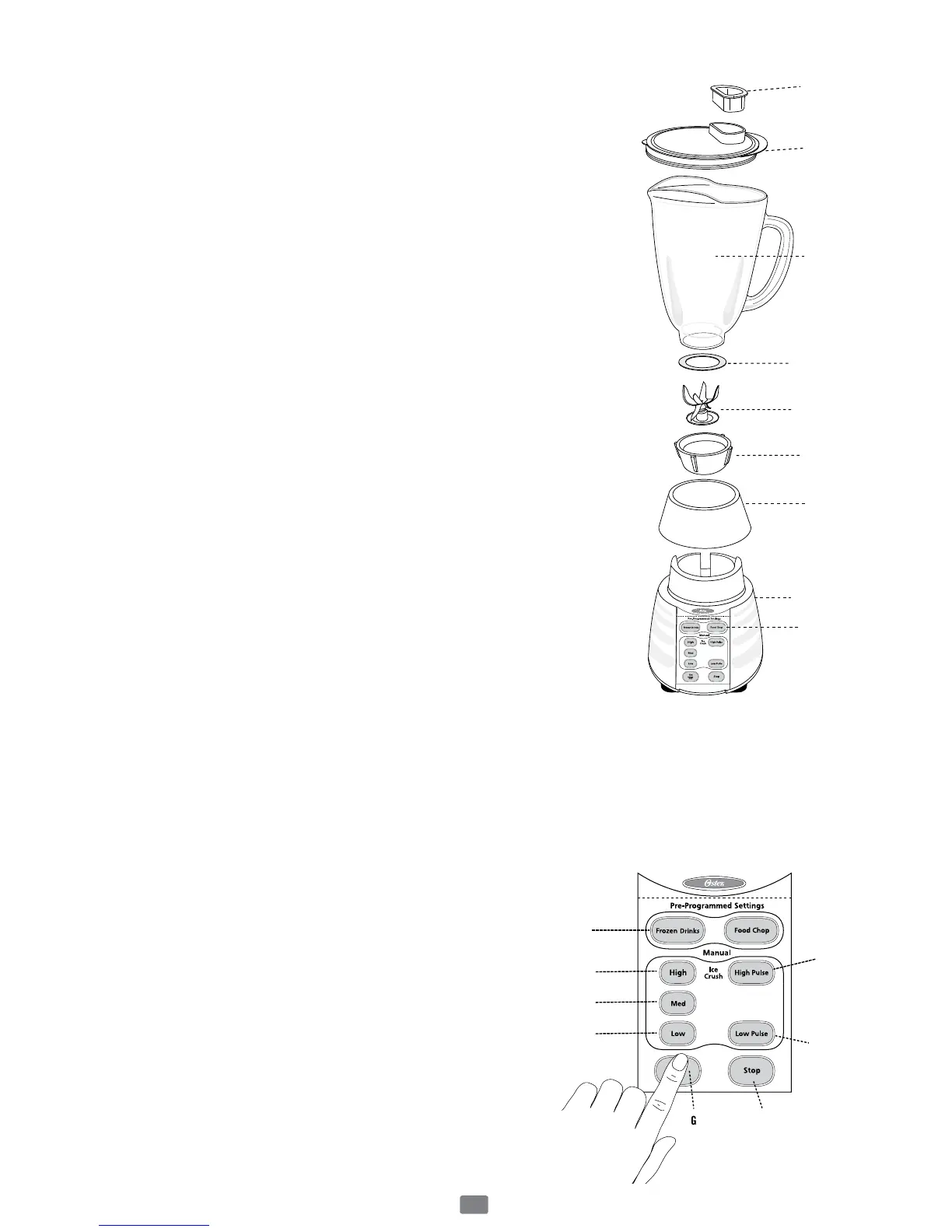
Learning About Your Product
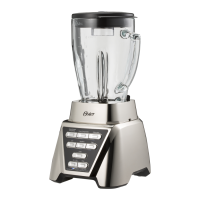
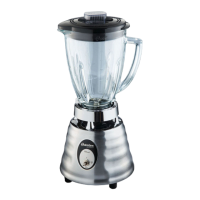
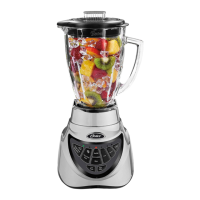
Glass Jar Models
1. Filler Cap – Allowsyoutoaddingredientsduring
use.Also,allowsyoutoopentoallowsteamto
escapewhenblendinghotfoods.
2. Jar Lid Food Chute – Sealstheblenderjar.
3. Jar – Madefromheavy-dutyglass.
Hasamaximumcapacityof6cups.
4. Sealing Ring –Sealsthejartothemulti-functional
bladeforleak-proofoperation.
5. Multi-Functional Blade –Createsaforward
andreverseactionwhenthePre-Programmed
settingsareinuse.
6. Threaded Jar Bottom.
7. Jar Skirt –Allowsforcounter-to-tableappealand
stability.
8. Sturdy Stylish Base –Holdsthejarsecurely.Contains
apowerful,reversible,variablespeedmotor.Ituses
Pre-Programmedlogicthattakestheguessworkout
ofcreatingfoodsanddrinks.
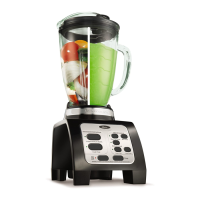
9. Control Panel
a. Pre-Programmed Settings–Usetoselect
“FrozenDrinks”buttonor“FoodChop”button.
Blenderautomaticallyshutsoffwhencycleis
nished.
b. Manual Controls–“High(IceCrush)”button–
Useformaxspeedoricecrushing.
c. Manual Controls–“Medium”button–Usefor
mediumspeed.
d. Manual Controls–“Low”button–Useforlow
speed.
e. High Pulse Button – Press and hold to Pulse,
releasethebuttontostop.
(Pulsebuttonwillnotlightup.)
f. Low Pulse Button – Press and hold to Pulse,
releasethebuttontostop.
(Pulsebuttonwillnotlightup.)
g. Power Button(On/Offbutton)–Turnsthe
productOnandOff.
h. Stop Button –UsetoStoptheproduct.
(Stopbuttonwillnotlightup.)



 To Next Page