www.oster.com
7
How to Chop
NOTE: Make sure the unit is turned OFF and unplugged before use. Never use
hand to push food into processor. Do not use the processor continuously for
more than 3 minutes at a time.
Multipurpose Blade: Use multi purpose
blade for chopping, mixing, blending,
pureeing and preparing pu pastry,
crumbs and short crust pastry.
1 Lock the bowl onto base.
(See “How to assemble the bowl”)
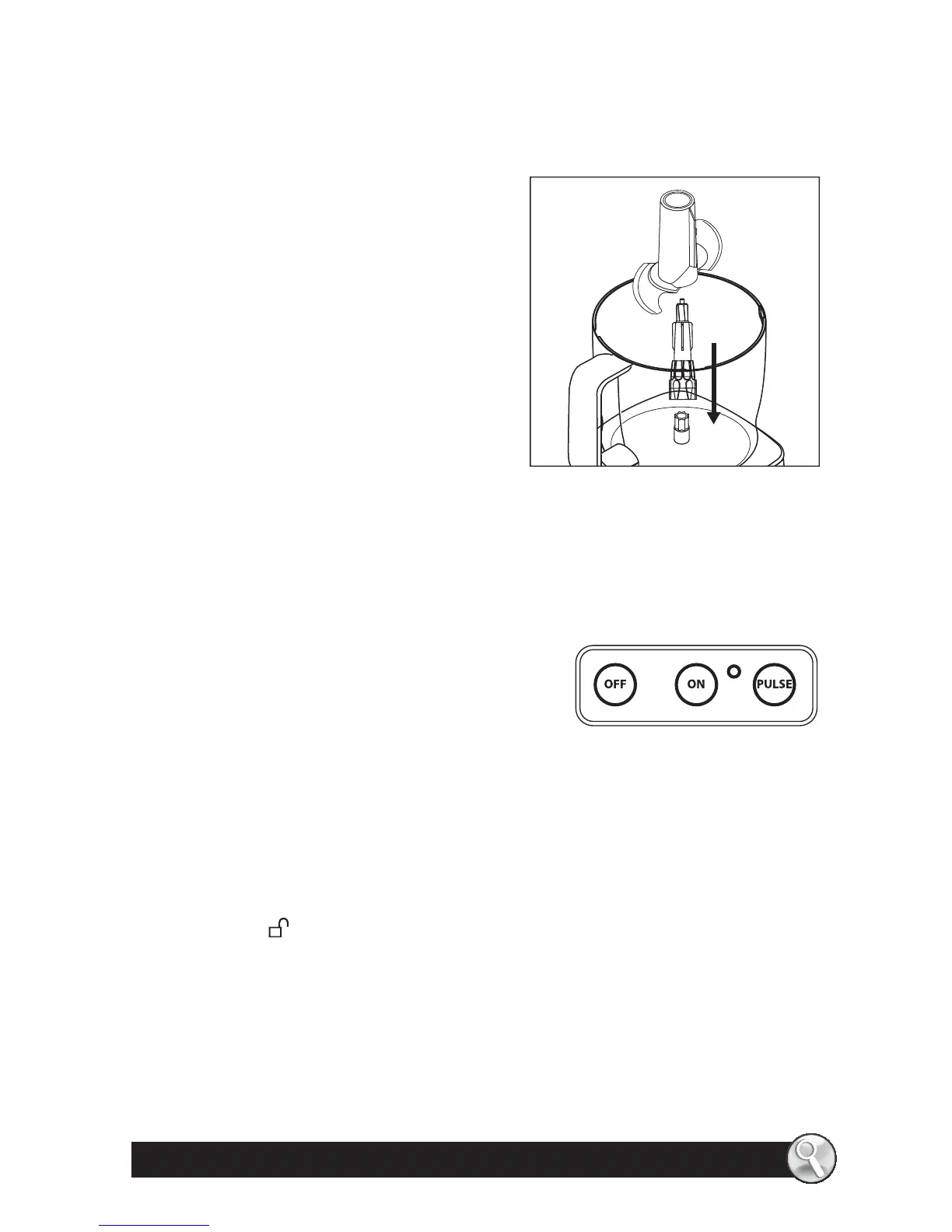
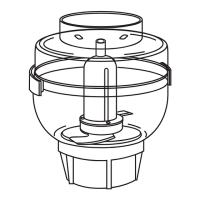
2 Take the disc stem and slide it onto
the center post. Then grasp the
multi purpose blade by its stem and
slide over the disc stem. (Figure 4)
3 Place food into bowl.
4 Lock cover onto bowl.
(See “How to Lock the cover”)
5 Place the food pusher into the feed tube.
6 Plug the cord into an electric outlet. Use the Food Guide to prepare food
for chopping.
7 Press the ON button for continuous
processing or the PULSE button for short
processing tasks. When using the PULSE
setting, hold down the PULSE button for
about 2–3 seconds at a time, check results
and repeat if desired.
8 When nished processing, press the OFF button and allow the chopping
blade to stop rotating.
9 Twist the cover counter-clockwise to remove lid.
10 Hold the disc stem with multi purpose blade attached by its stem and
remove. Unlock the bowl by turning it counter- clockwise towards the
UNLOCK
mark, and lift o . Empty the processed food.
NOTE: The 10 Cup Food Processor comes with a spatula to easily empty
contents inside the bowl.
NOTE: Chopping Blade is very sharp, use caution when handling.
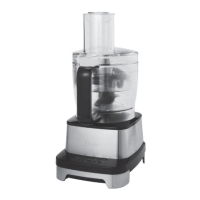
Figure 4



 To Next Page