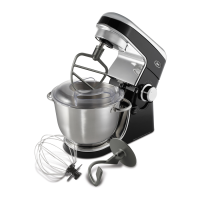
in s t a l l i n g t h e at ta c h M e n t s
Beaters, Dough Hooks, and Whisks
(on select models)
Select the pair of attachments best suited
for your mixing job. (See Mixing Guide for
recommendations). Take the attachment that
has a green colored band around the top –
illustrated as attachment (A).
Insert attachment (A) into the socket on the
side of the mixer nearest the side of the bowl.
The socket is identified by a green dot beside it.
Take the other attachment that has a gray
colored band around the top – illustrated as
attachment (B). Insert attachment (B) into the
socket nearest the center of the bowl.
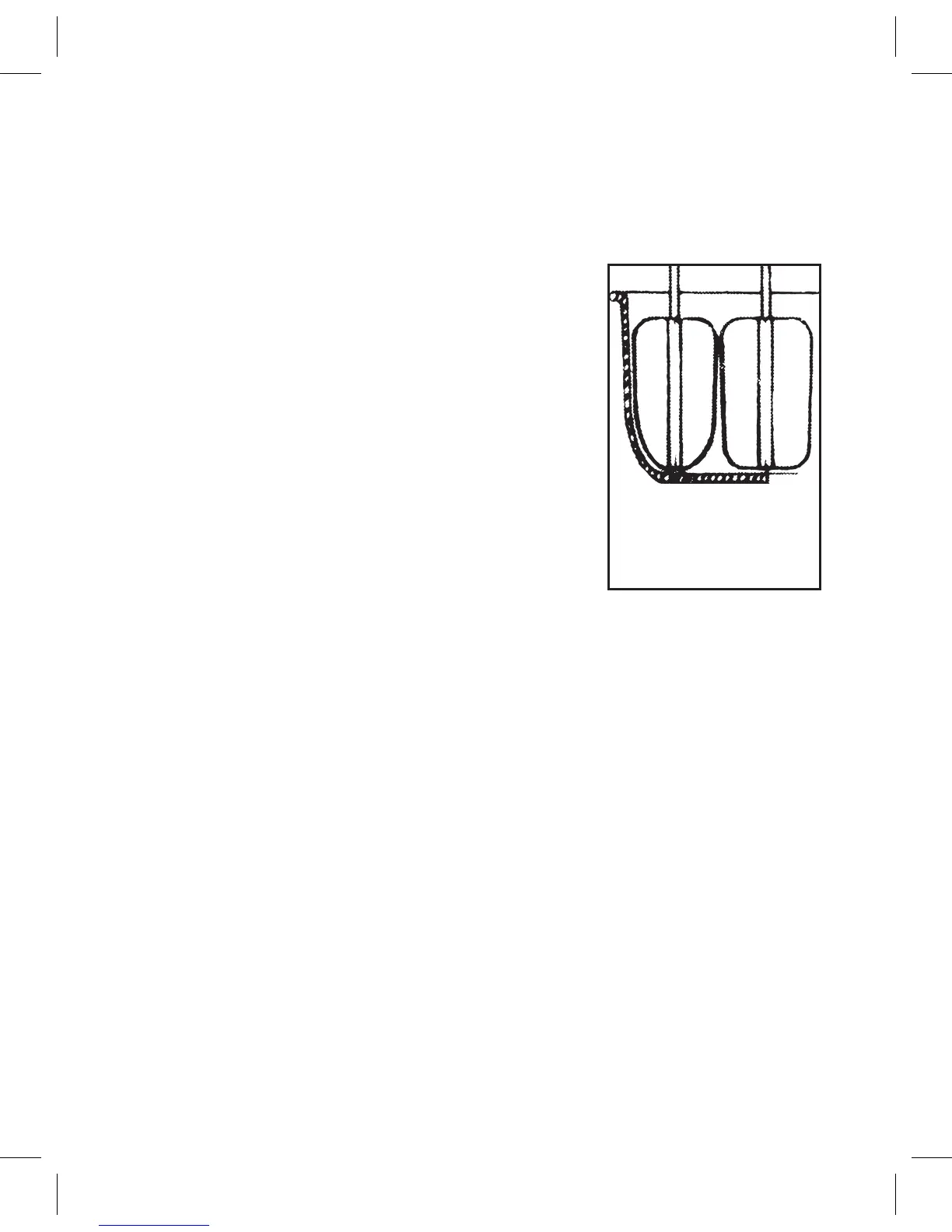
(See Figure 3)
N
O T E : Be sure both attachments click firmly
in place. You may need to twist the beater
attachment slightly to engage it in position
prior to pushing it in place.
English-7
Figure 3
cO n e
B
e a t e r
sq u a r e
B
e a t e r


 To Next Page