6
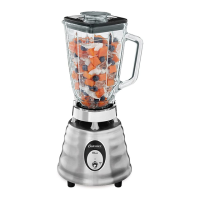
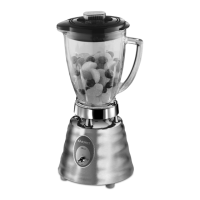
Learning About The Master Series Blender With Push
Button Control Panel
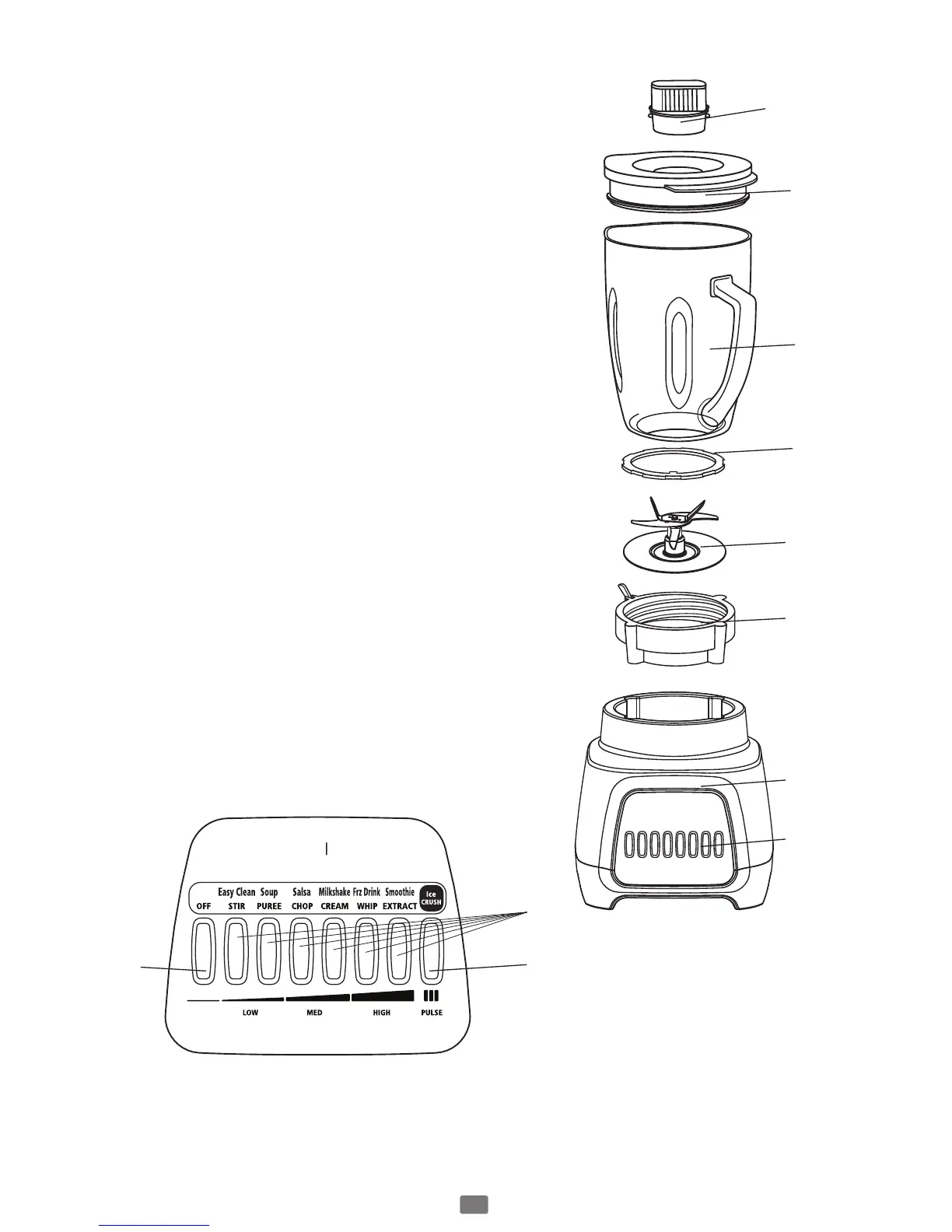
1. Filler Cap / 2 Ounce Measuring Cup: – Allows
you to add ingredients during use. Also allows
you to open to allow steam to escape when
blending hot foods.
2. Jar lid – Seals the blender jar.
3. Jar – 6-cup Dishwasher Safe Boroclass glass jar
withstands Thermal shock.
Glass Jar Blade Assembly – With locking feature
to secure blade assembly to threaded jar bottom.
Seals the jar to the blade for leak-proof operation.
4. Sealing Ring :
5. Blade – 50% Larger blade system than
traditional Oster Blenders.
6. Threaded Jar Bottom With Locking Lever –
Advanced design for simple assembly to jar.
7. Motor Base – Holds the jar securely. Contains
a powerful, variable speed motor.
8. Control Panel
a. Power Button (Off button) – Turns the
product Off.
b. Variable Control settings range from Stir to
Extract and also indicate the food results:
from Easy Clean to Smoothie.
c. Pulse button – Press to pulse and release to
stop. Perfect for Crushing Ice.
D U R A L A S T M A S T E R
a
1
2
3
4
5
6
7
8
b
c





 To Next Page