English - 7
Measuring the Right Amount of Grounds and Water
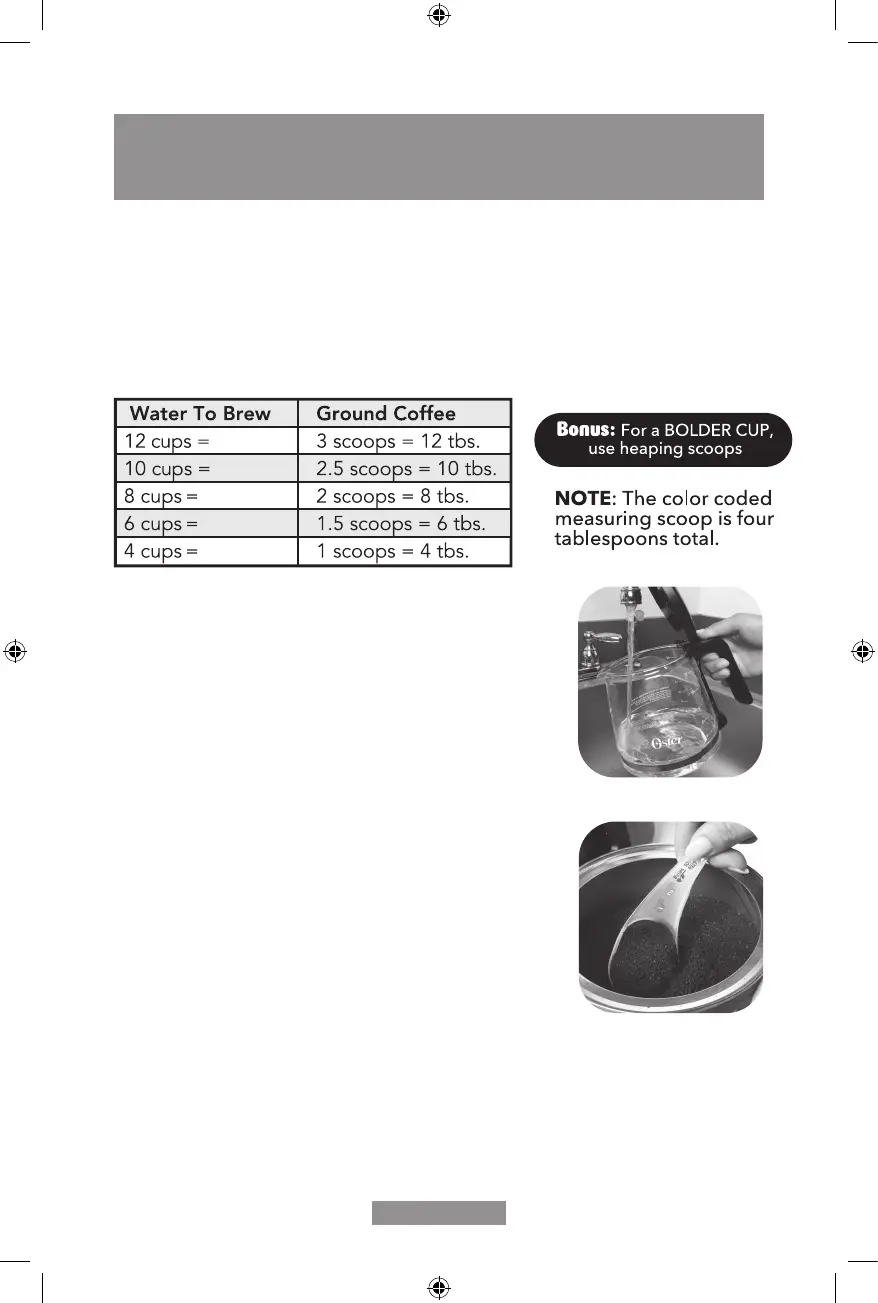
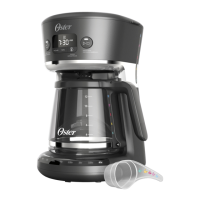
Determine how much coffee you would like to make and match the corresponding color
on the carafe, scoop and water window.
The color-coding quickly indicates how much water and coffee grounds should be added
for consistent taste.
Suggested Coffee Measurement Chart:
For best results, brew 4 or more cups of coffee.
2.84 L
2.37 L
1.89 L
1.42 L
0.95 L
1. Fill the color coded carafe with fresh cold water to the
desired level. (Figure 1) 1 Oster
®
“cup” is equivalent to 5
fluidounces.PourintoWaterReservoir.
NOTE: Some water will be absorbed into the coffee
groundsandwaterfilterduringthebrewingprocess.
2. Insert and line the Removable Filter Basket with a
standardbasket-stylepaperfilter(soldseparately)or
reusablefilter(ifincluded).
3. Referencing the chart above, scoop the equivalent
amountofcoffeegroundsintothefilterusingtheeasy
color-coded scoop. (Figure 2)
4. You are ready to Brew Now!
5. After brewing, the coffee maker will illuminate to indicate
how long the coffee has been sitting after brewed.
6. Enjoy consistently fresh coffee every time!
HOW TO MAKE YOUR FIRST POT OF COFFEE
Figure 1
Figure 2
BVSTRF100_BVSTRF300_19SEM2 (LA).indd 7 4/24/19 9:52 AM


 To Next Page