EasyManua.ls Logo

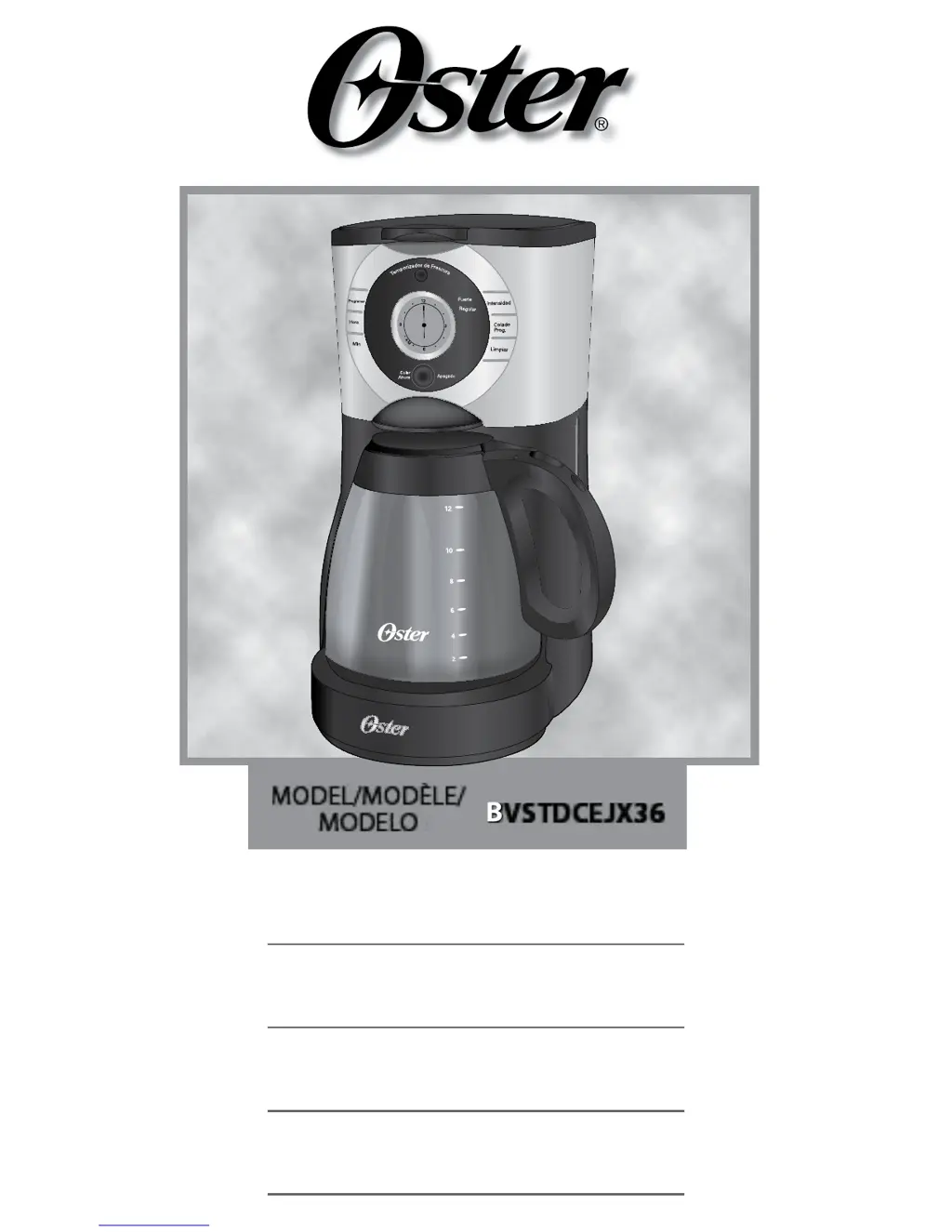
Oster BVSTDCEJX36 - User Manual

Oster BVSTDCEJX36
46 pages
Print Icon
To Next Page IconTo Next Page
Loading...
Instruction Manual
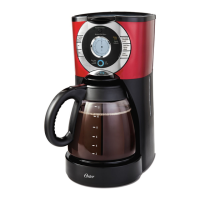
PROGRAMMABLE COFFEE MAKER
READ ALL INSTRUCTIONS BEFORE USING THIS APPLIANCE
Manuel d’Instructions
CAFETIERE PROGRAMMABLE
LIRE TOUTES LES INSTRUCTIONS AVANT D ’ UTILISER CET APPAREIL
Manual de Instrucciones
CAFETERA PROGRAMABLE
LEA TODAS LAS INSTRUCCIONES ANTES DE USAR ESTE APARATO
Manual de Instruções
CAFETEIRA PROGRAMÁVEL
LEIA TODAS AS INSTRUÇÕES ANTES DE USAR ESTE APARELHO
BVSTDCEJX36
MODEL/MODÈLE/
MODELO

Questions and Answers

  • A
    Amanda TranAug 12, 2025
    What to do if my Oster BVSTDCEJX36 Coffee Maker is not brewing?
    • J
      Jackson Davis DDSAug 12, 2025
      If your Oster Coffee Maker is not brewing, ensure that the unit is plugged in and that power has been restored if there was an outage. Also, make sure the water reservoir is filled above the minimum level marking, the filter basket is inserted correctly, and the glass decanter is placed correctly on the warming plate.
  • R
    Rebecca SullivanAug 16, 2025
    Why is my Oster Coffee Maker brewing so slowly?
    • A
      Amanda AdamsAug 16, 2025
      If your Oster Coffee Maker is brewing slowly, it might need a cleaning. Clean your coffee maker as described in the “cleaning and maintaining” section of the manual.
  • T
    Tracie LaraAug 20, 2025
    How to fix brew now “Colar Ahora” light that does not light up on Oster BVSTDCEJX36?
    • M
      Melissa HillAug 20, 2025
      If the brew now “Colar Ahora” light does not light up on your Oster Coffee Maker, ensure the unit is plugged in and wait for the power to be restored if there was an outage.
  • J
    Jaclyn CookAug 23, 2025
    What to do if grounds are in my coffee from my Oster BVSTDCEJX36 Coffee Maker?
    • R
      russell48Aug 25, 2025
      If the grounds are ending up in your coffee from the Oster Coffee Maker, make sure the filter is properly seated in the basket. If the filter collapsed, remove it and replace it with a new one.
  • L
    Lindsey LandryAug 27, 2025
    Why does my coffee from Oster BVSTDCEJX36 taste bad?
    • V
      Vicki HerreraAug 27, 2025
      If your coffee from the Oster Coffee Maker tastes bad, it could be due to several reasons. Ensure you are using coffee grounds recommended for automatic drip coffee makers. Also, check that you're using the correct ground coffee-to-water ratio. The coffee maker might also need cleaning, so clean it as described in the “Maintaining your coffee maker” section.
  • U
    urogersAug 31, 2025
    What to do if my Oster BVSTDCEJX36 Coffee Maker only brews water?
    • M
      Mary RiceAug 31, 2025
      If your Oster Coffee Maker is only brewing water, add the desired amount of coffee to the filter.
  • J
    James VillaSep 3, 2025
    What to do if the filter basket overflows in my Oster BVSTDCEJX36 Coffee Maker?
    • V
      velasquezelizabethSep 4, 2025
      If the filter basket overflows in your Oster Coffee Maker, try these steps: Ensure the filter basket is inserted correctly and the glass decanter is placed correctly on the warming plate. Remove the filter and discard the grounds. If using a paper filter, replace it and begin the brewing process again. Turn off and unplug the unit, allow it to cool, and wipe up any spills.
  • C
    caldwellstephenSep 7, 2025
    What does it mean if the brew now “Colar Ahora” LED is flashing fast on my Oster BVSTDCEJX36?
    • J
      Jessica DawsonSep 7, 2025
      If the brew now “Colar Ahora” LED is flashing fast on your Oster Coffee Maker, ensure that the glass decanter is correctly placed on the warming plate and the water reservoir is filled above the minimum level marking.

Summary

Important Safeguards

Description of the Appliance

Coffee Maker Features and Benefits

Initial Setup and Settings

Before Using Your Coffee Maker for the First Time

Initial cleaning and preparation steps before the first use of the coffee maker.

Setting the Clock and Delay Brew Time

Instructions on how to set the clock and program delayed brewing for the coffee maker.

Preparing for Use

Suggested Coffee Measurement Chart

A guide for measuring ground coffee for various brewing capacities.

Water Filtration System

Steps for using and maintaining the coffee maker's water filter.

Adding Water and Ground Coffee

Procedure for filling the water reservoir and adding coffee grounds correctly.

Brewing the Coffee

Brewing Coffee Now

Instructions for initiating the coffee brewing process immediately.

The Fresh Brew Timer Feature

Explanation and operation of the feature that tracks time since brewing completion.

Brewing Coffee Later

Cleaning and Maintenance

Daily Cleaning

Routine cleaning steps for the coffee maker and its removable parts.

Decalfiying your Oster Coffeemaker

Procedure for removing mineral deposits using vinegar to maintain performance.

Additional Maintenance Tasks

Water Filtration Disk Replacement

Guidance on replacing the water filter disk on a monthly basis.

Cleaning the Glass Decanter

Methods for removing stains from the glass decanter using vinegar solution.

Troubleshooting Your Coffee Maker

Oster BVSTDCEJX36 Specifications

General IconGeneral
BrandOster
ModelBVSTDCEJX36
CategoryCoffee Maker
LanguageEnglish

Related product manuals