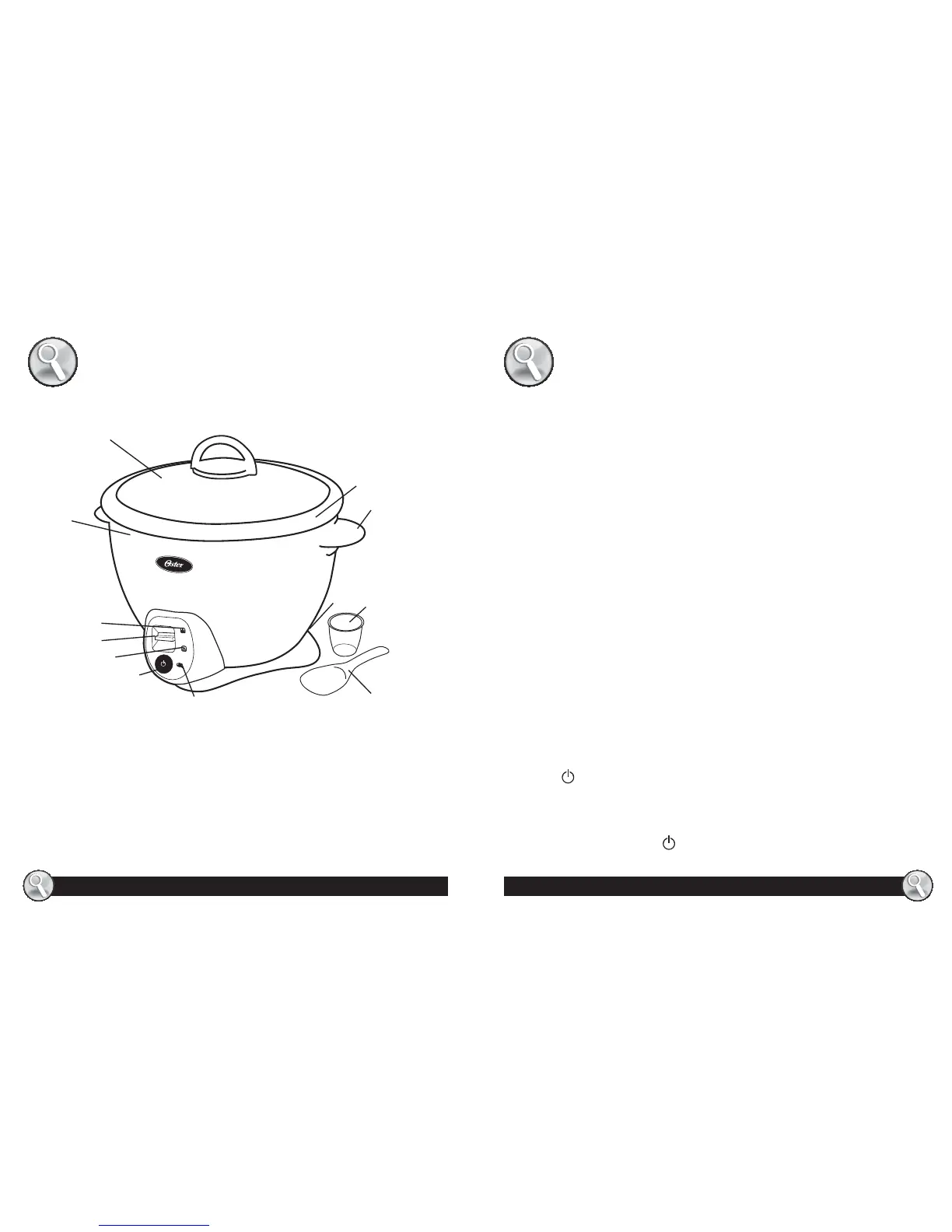
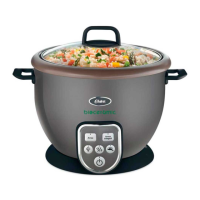
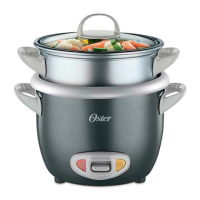
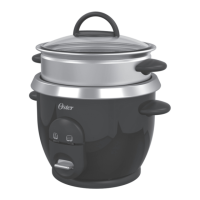
1. Glass Lid
2. Heating Body
3. Keep Warm Light (green)
4. Cook Light (amber)
5. On-Switch Cook Button
6. Sauté Light (red)
7. Sauté On/Off Button
8. Power Cord
9. 5.33 Ounce Measuring Cup
10. Paddle
11. Handle
12. Inner Pot
1
3
11
4
5
6
7
8
9
10
12
LEARNING ABOUT YOUR
RICE COOKER
HOW TO:
BEFORE USING FOR THE FIRST TIME
Wash the Glass Lid, Inner Pot, Paddle and Measuring Cup in warm,
soapy water.
USING YOUR MULTI-USE RICE COOKER
Your Multi-Use Rice Cooker includes a convenient and useful Sauté
Function which allows you to sauté/brown onions, garlic and/or other
ingredients in oil prior to cooking. You can choose to cook rice or other
meals directly without the need to sauté, but this added feature gives
you greater versatility in the preparation of your favorite recipes.
NOTE: You may need to adjust the quantity of water depending on the
kind of rice you are cooking and how moist you prefer it. For stickier rice,
add slightly more water. For fluffier rice, use slightly less water. If you are
cooking brown rice, add more water. You may also need to adjust the
water quantity by adding more water if you are using the rice cooker at
a high altitude.
SAUTÉ FUNCTION
This function was designed to allow you to sauté or brown your foods:
1. Remove lid and place food inside unit.
2. Connect power cord to an electrical outlet and press the Sauté On/Off
Button
once to active function.
3. The Sauté light will turn on, indicating Sauté feature is enabled.
4. This function requires close supervision and needs to be controlled
manually. When browning is done, turn off this function by pressing
the Sauté On/Off Button
once.
4
5
2


 To Next Page