English - 9
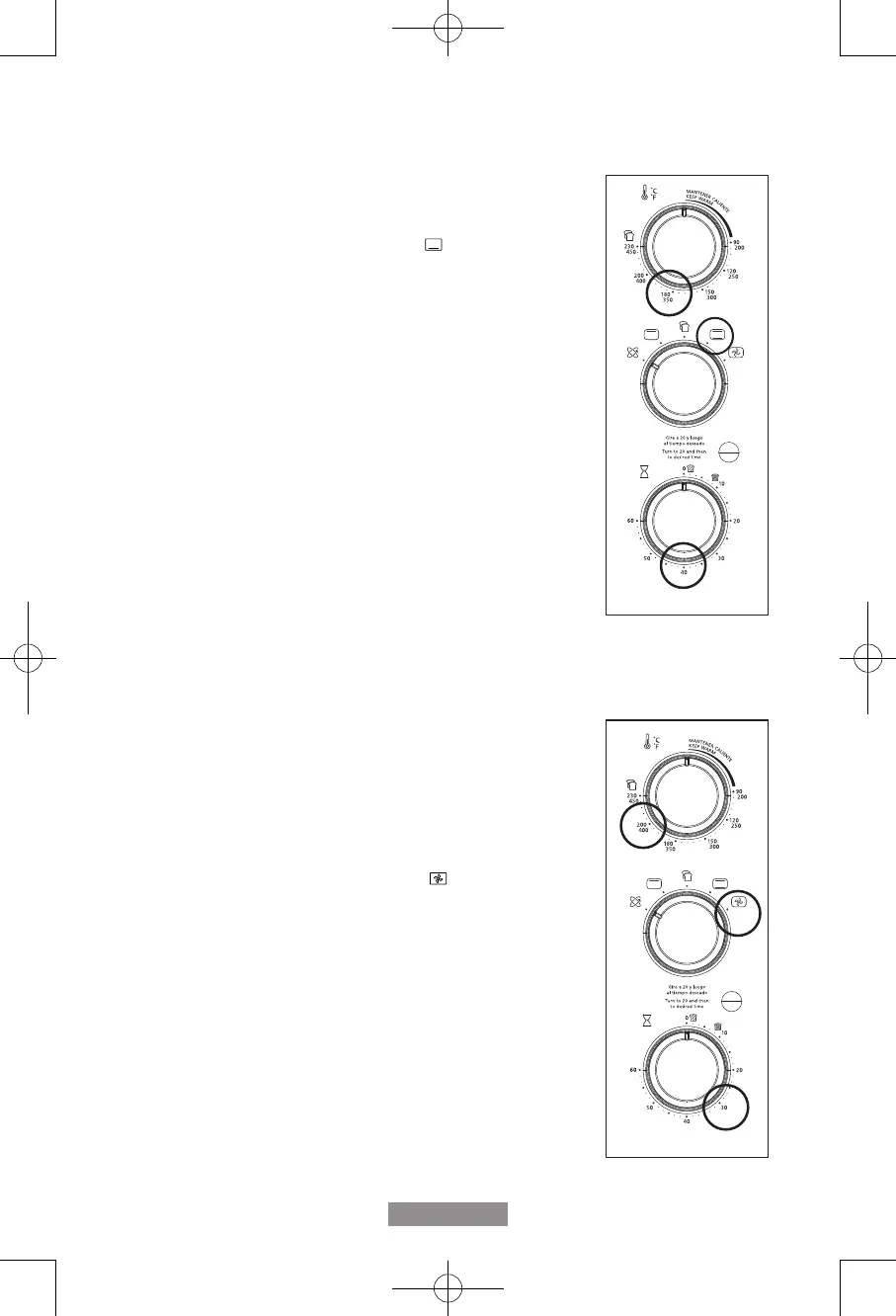
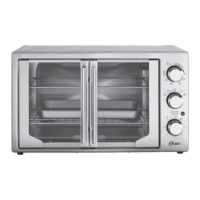
To Use the Bake Function (See Fig. 6)
Step 1. Place baking pan with food inside on wire rack.
Step 2. Close glass doors completely.
Step 3. Turn the Function dial to Bake “ ”.
Step 4. Turn the Temperature dial to desired setting.
Step 5. Turn the Timer to desired cook time. NOTE: If cook time
is less than 20 minutes, you must turn Timer past the 20
minute mark to engage the timer then back to desired
time.
Step 6. When baking is complete, open doors completely and
remove food.
WARNING: Cooked food and metal rack can be very hot, handle
with care. Do not leave Countertop Oven unattended.
To Use the Turbo Convection Heat Function
(See Fig. 7)
The Turbo Convection Heat Function turns on a built in fan that
circulates hot air in the oven chamber cooking your food faster and
more evenly. Preheat oven 5-7 minutes at desired temperature
with oven rack in place.
Step 1. Place baking pan with food inside on wire rack.
Step 2. Close glass doors completely.
Step 3. Turn the Function dial to Turbo “ ”.
Step 4. Turn the Temperature dial to desired setting.
Step 5. Turn the Timer to desired cook time. NOTE: If cook time
is less than 20 minutes, you must turn Timer past the 20
minute mark to engage the timer then back to desired
time.
Step 6. When baking is complete, open doors completely and
remove food.
WARNING: Cooked food and metal rack can be very hot, handle
with care. Do not leave Countertop Oven unattended.
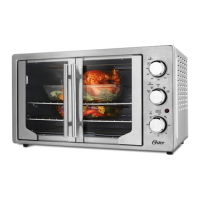
Figure 6
Figure 7
TSSTTVFDMAFNS_22SEM1 (LA).indd 9TSSTTVFDMAFNS_22SEM1 (LA).indd 9 2022/5/13 上午11:382022/5/13 上午11:38


 To Next Page