Battery Installation
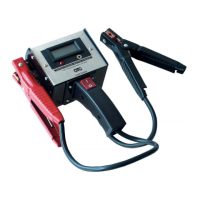
Pic of Tool, flipped
over with battery flap
shown. Will need to
point out screw.
To add or change the batteries in the TPR, flip the tool
over. You will see the screw at the bottom of the tool that
secures the battery flap. Using a Phillips head screwdriver,
remove the screw and battery flap. The batteries used are
1.5V AA Lithium. Please take note of the polarity of each
battery. Once the new batteries are installed, place the
battery flap back on the tool and use the screwdriver to
tighten the flap screw back on the tool.
Pic of tool with battery flap off. NOTE: polarity
and battery specs again



 To Next Page