18
Feedback/Whistling
• To resolve this, lower the volume and increase it slowly.
• You may be accidentally pung pressure or obstrucng the microphone
when ng the device. Do not worry. Once the device is secure in your
ear, remove your hands and the whistling will stop.
• Try changing the size of your Ear Domes.
No Sound/Not Working
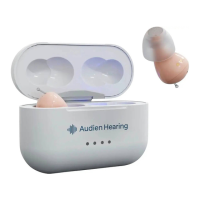
• Be sure that both devices are secure in the Charging Case, making a rm
connecon. Let the devices charge, then try using the hearing aids again.
• Remember that it’s expected for your devices to feel strange or not
normal for the rst few weeks. Focus on using your devices 1-2 hours per
day, and gradually build up as you get used to processing new sounds.


 To Next Page