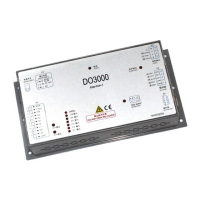
User’s Guide of DO3000 Door Operator
Lead the green future All rights reserved © OTIS 28/48
Three lines of buttons at the right side of server comprise of two rows. If you want to use the upper
functions, directly press the button; if you want to use the functions below, press the conversion key + this
button. Special attention should be paid to GO ON, GO BACK, CLEAR and ENTER described in the
following debugging document.
3.3.2 Operation examples
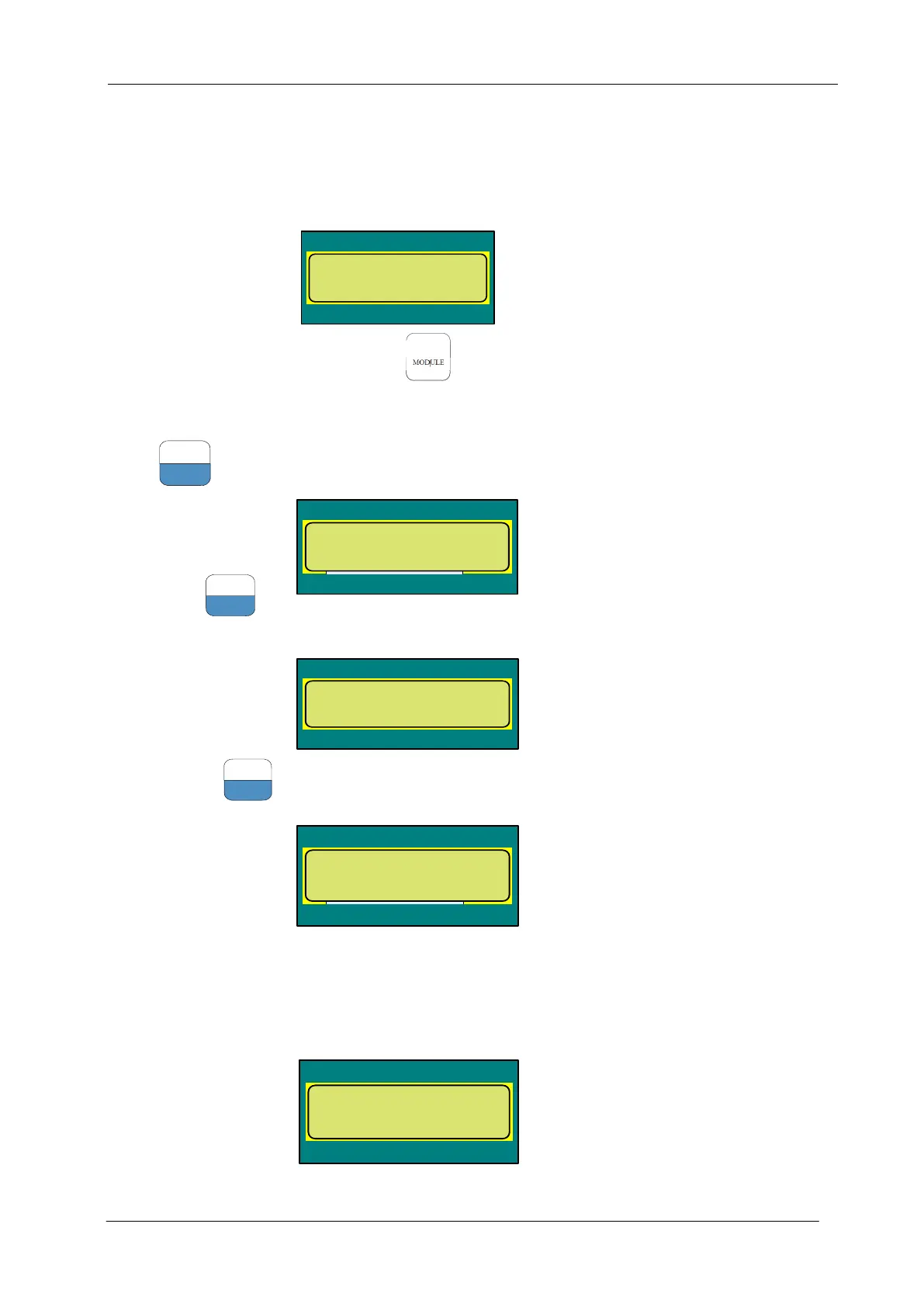
After power-on, the server displays as follows:
This is the main interface of server. Press at the upper left corner of keyboard to directly return to
this interface.
For example: enter the menu 3311 (curve parameters)
Press
on the main menu interface to enter the following interface
Then press
to
enter the following interface
And then press
to enter the following interface
3.3.3 Data modification
The operation interface of server displays two rows of data, with the original data (old, “o” for short)
showing at left side of second row and new data (new, “n” for short) input at the right side as follows:
Data input: taking 40 as an example, first press “4”, and then press “0” twice. “40.00” appears at the right
Contract Data=1
Tune=2 Pr.ini=3 >
Open low dis mm/s
o : 20.00 n :
<进程名称>
MONITOR=1 DIAGNO
STICS=2 SETUP=3 >
<进程名称>
Door parameter=1
>


 To Next Page
 Loading...