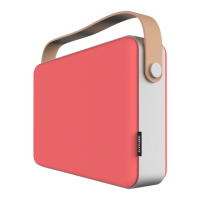
Cloud Play (connecting to a local/home network)
If you are in a place with a local/home network you can use this to connect your mobile and device and
speakers together. This creates a more stable connection and enables multiple devices to be
connected at the same time over he network (e.g. laptops, tablets etc).
This also enables you to access a wider range of online content, such as internet radio stations and
other streaming services.
To set up cloud play follow the steps below:
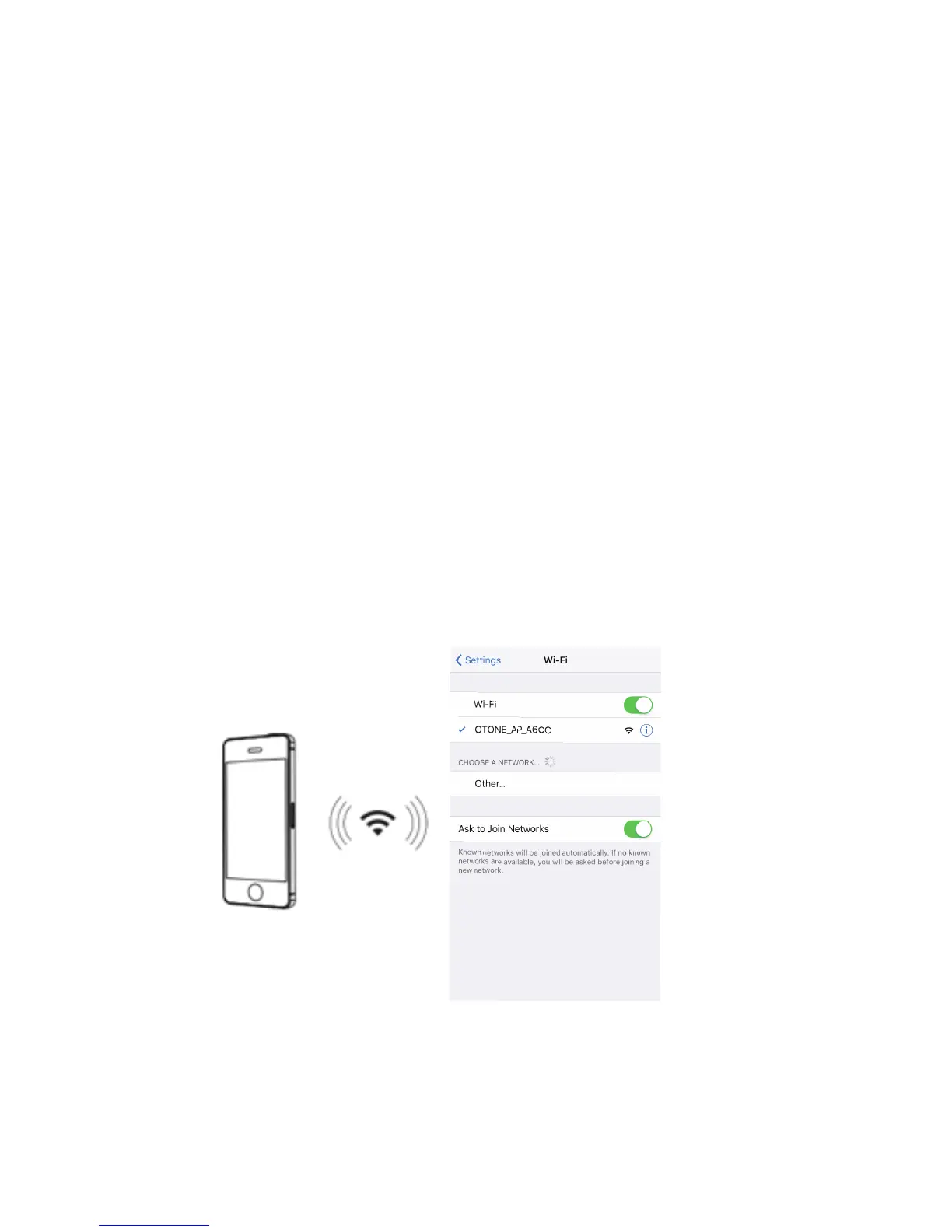
Step 1: Connect your mobile device to the network router. To do this go into the Wi-Fi settings screen
on your mobile device and switch on Wi-Fi.
Step 2: In your WiFi settings screen, nd the network you want to connect to, then select it. Note: you
may need to enter a password when prompted (this is usually printed on the rear or underside of the
network router), if not ask the owner of the network for the password.


 To Next Page
 Loading...