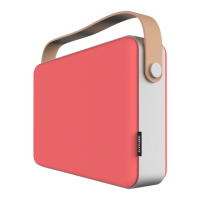
Playing music with Bluetooth
Step 1: Press the power button (2) briey after turning the device on. The indicator light will change to
blue and the device will switch to Bluetooth mode.
Step 2: Go into your mobile device Bluetooth settings and search for ‘OTONE BWD’ in the device’s
Bluetooth device list. Press to connect and that’s it! Your BWD speaker is now ready to use.
Step 3: Launch the OTONE Control App and choose the music you want to play.
Play music via the USB interface (portable hard drive etc)
Step 1: Press the power button (2) briey after turning the device on. The indicator light will change to
purple and the device will switch to USB mode.
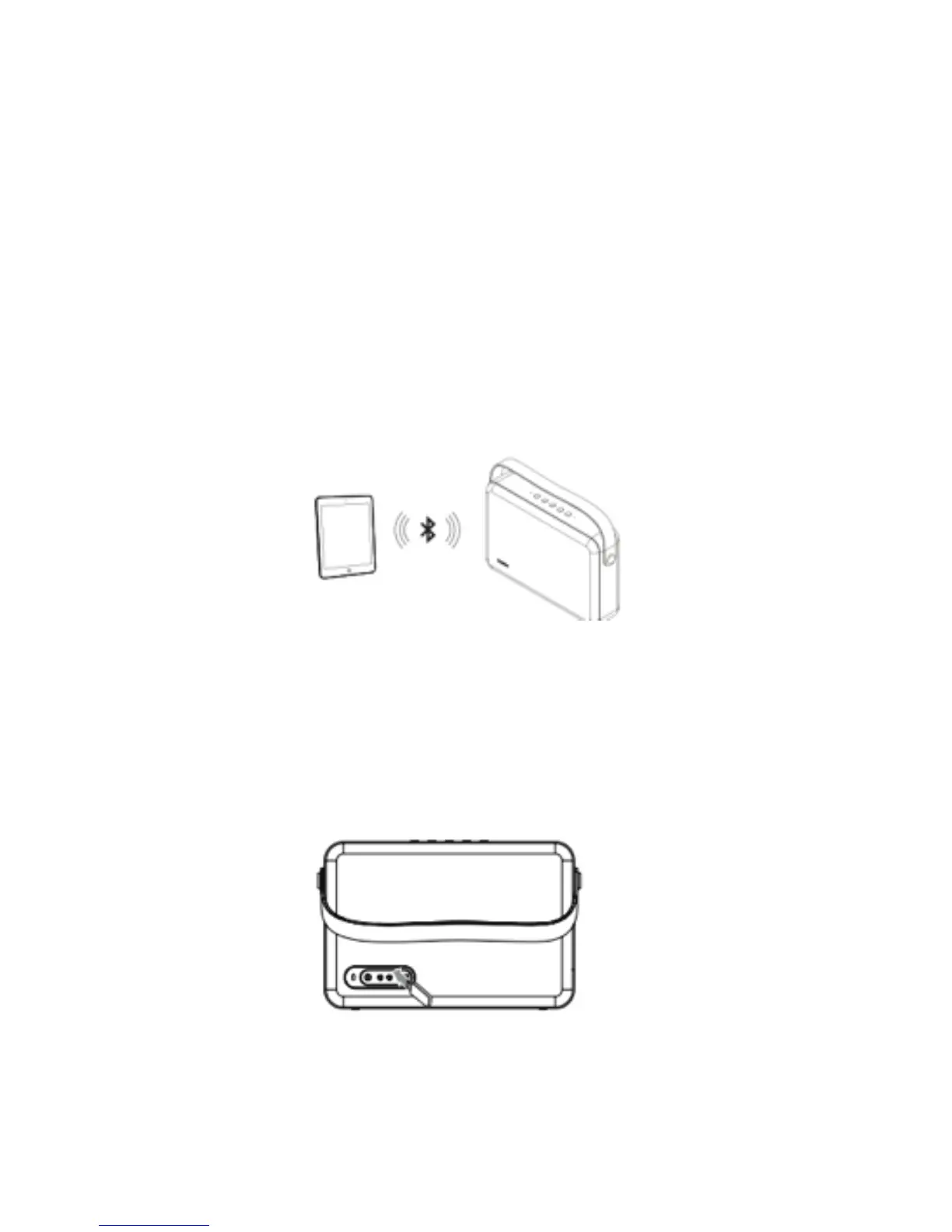
Step 2: Insert your USB (or other mass storage/HHD) device into the USB port (11) on the rear of the
speaker.
Step 3: Launch the OTONE App and choose the music you want to play.


 To Next Page
 Loading...