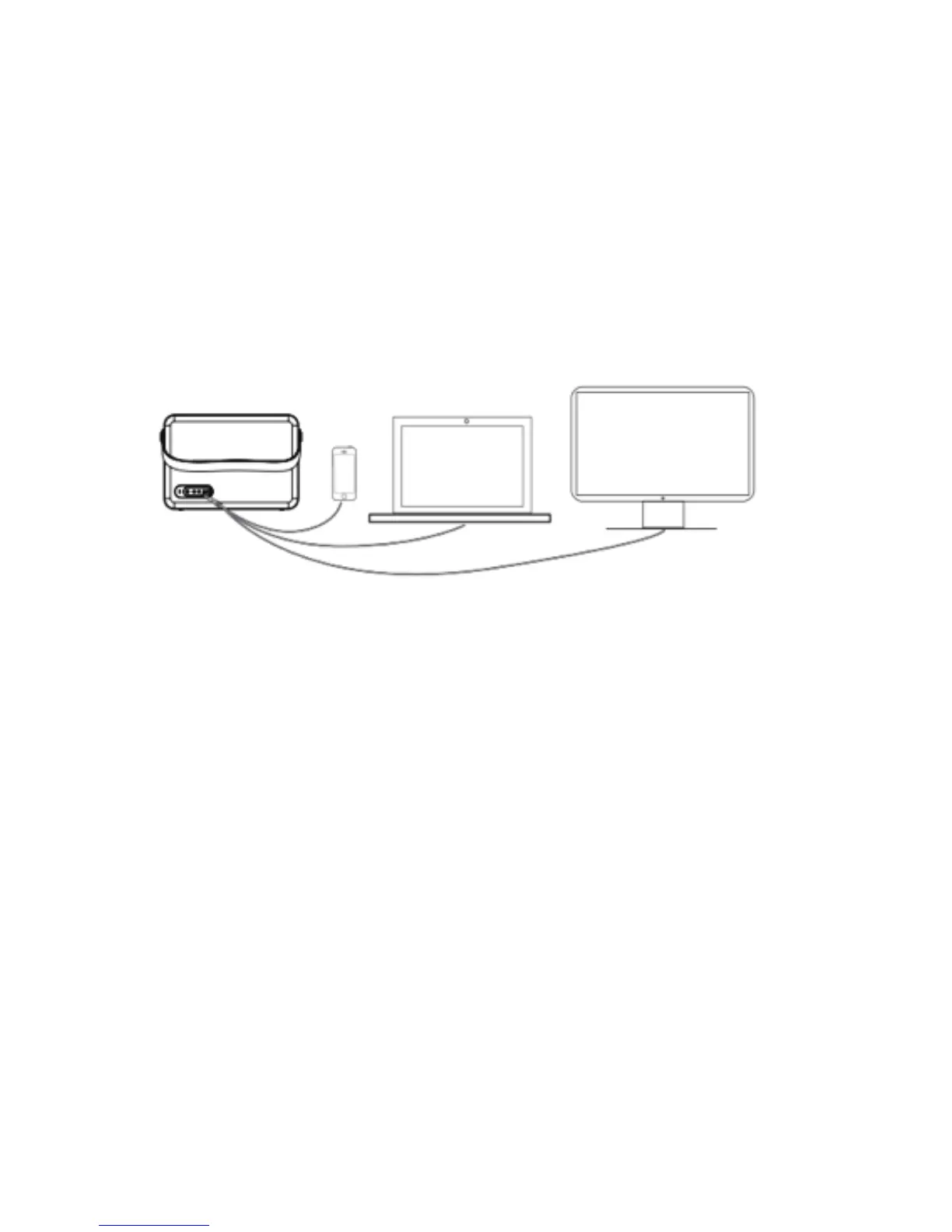
Auxiliary Line In (AUX)
BluWall Direct is equipped with a 3.5mm professional audio interface for simple and easy analogue
connection to any device with a 3.5mm headphone jack e.g. mobile phone, laptop, PC, television etc,
and will work as external speakers.
Step 1: Press the power button (2) briey after turning the device on. The indicator light will change to
green and the device will switch to USB mode.
Step 2: Insert your one end of your 3.5mm cable into the AUX-in jack (10) on the rear of the speaker
and the other end into your audio source.


 To Next Page