Step 8: Once you have nished connecting additional
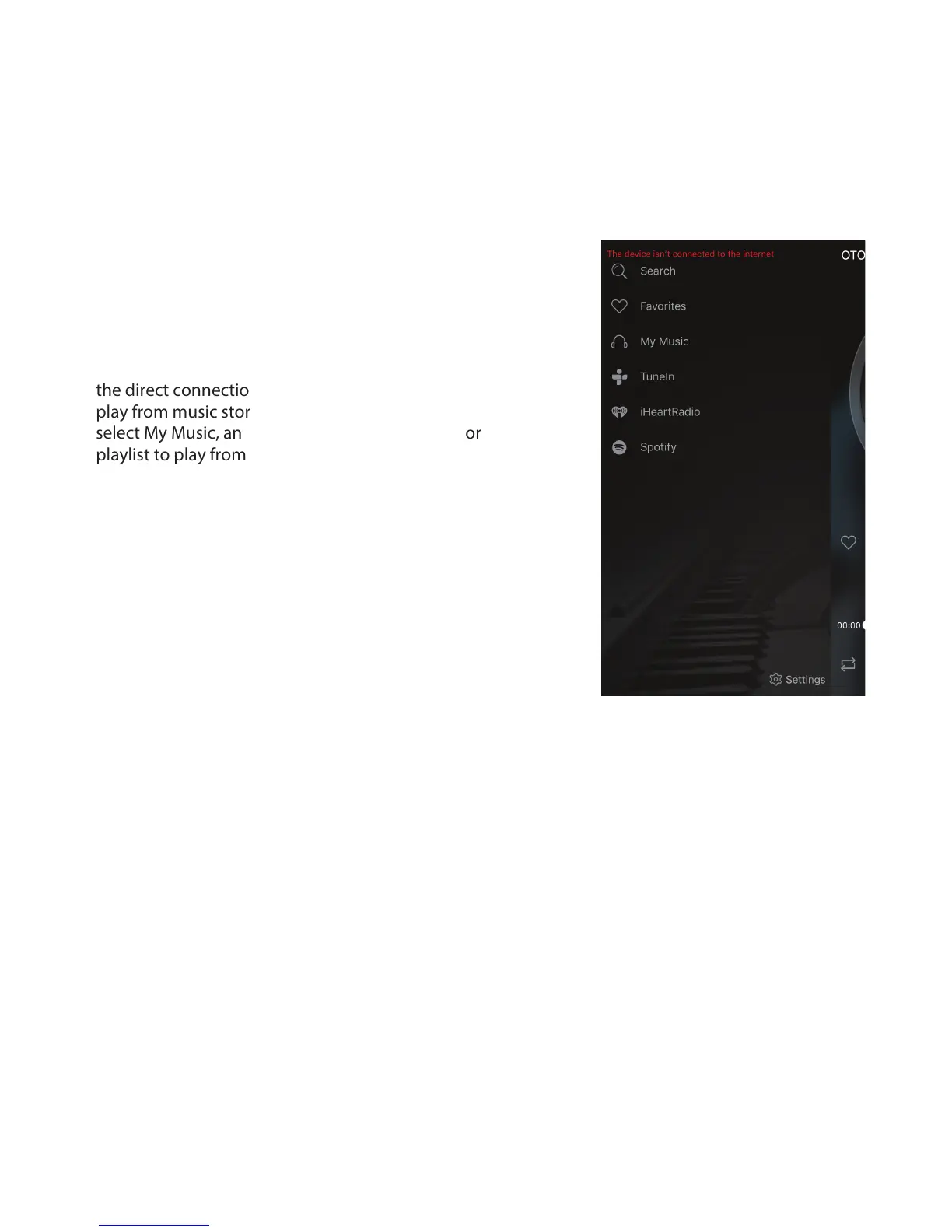
speakers, press ‘OTONE’ at the top left of the screen
and this will take you to the music source screen.
Alternatively you can also ‘swipe’ right to reveal the
source screen.
Step 9: Select your music source. Note: When using
the direct connection mode you will only be able to
play from music stored locally on your device. So
select My Music, and then choose a song, album or
playlist to play from the list.


 To Next Page