Step 4: Open the OTONE App. You will now be taken
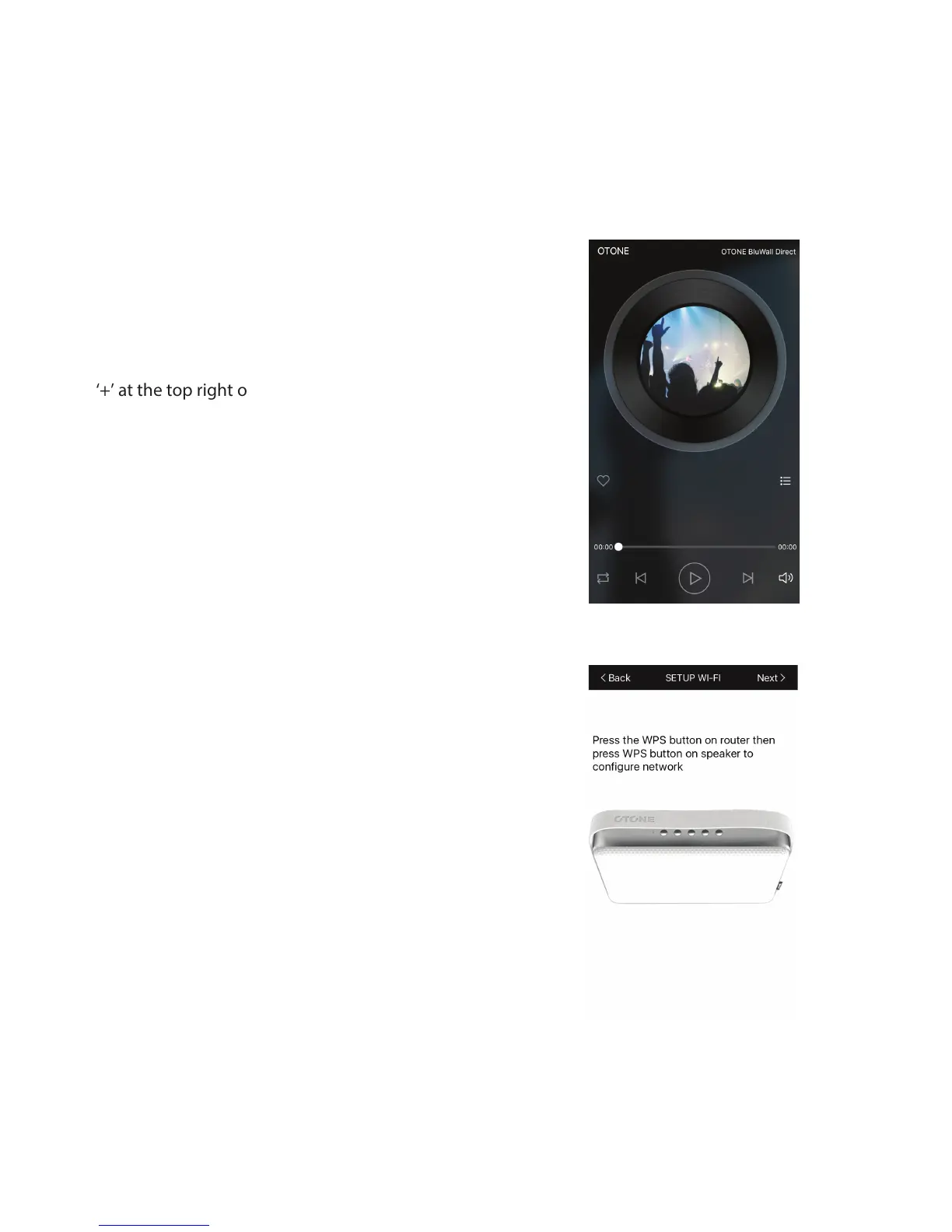
to the App music playback home screen.
Step 5: At the top right of the screen you will see the
name of the BWD speaker you have connected to. If
you would like to add one or more devices to your set
up you can do so by pressing on the name, then press
‘+’ at the top right of the next screen.
Follow the on screen prompts to connect up to seven
additional BWD speakers.
Step 6: When prompted to “Press the WPS button”.
Press the Vol- and Vol+ (5)&(6) buttons on you speaker
simultaneously (you will hear a ‘Beep’ from your
speaker).
Then press ‘Next’ and then “Connect” on the App.
By default there is no password set, if you are asked for
one, enter the local network password and press
“Connect”.


 To Next Page
 Loading...