Otter DTF PrinterOtter DTF Printer
41 42
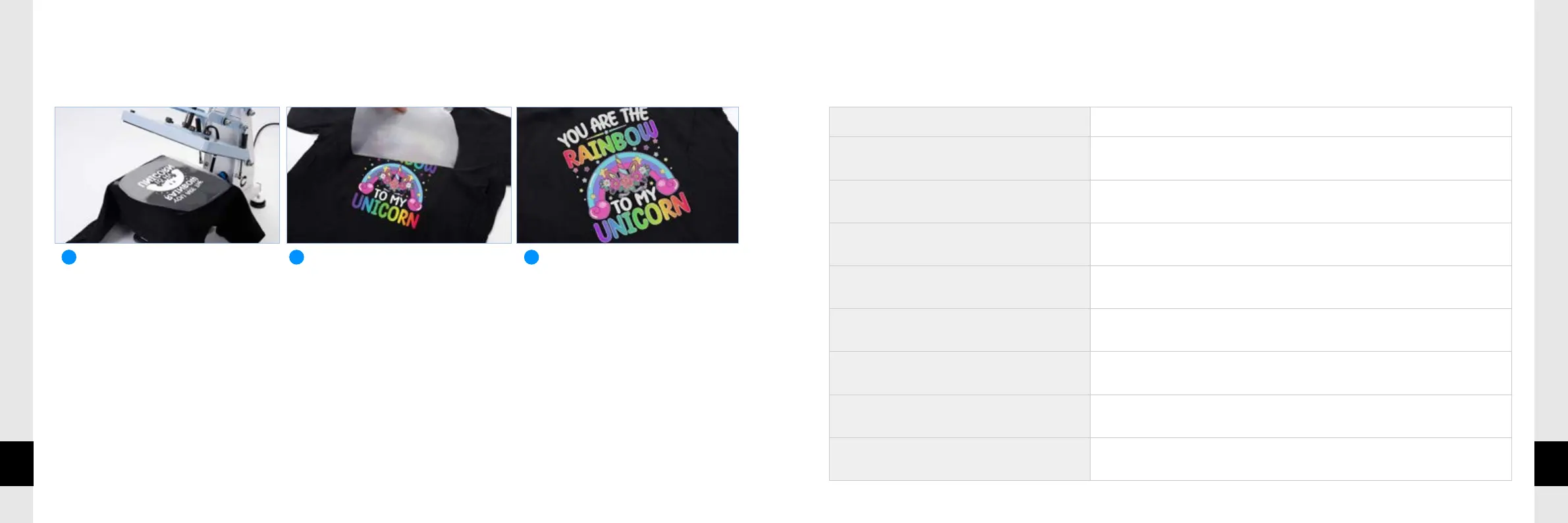
PRINTING A T-SHIRT
TROUBLESHOOTING
TheprintingdatacannotbetransmittedfromthePC.
Mismatchedprinterwasselected ? Conrmtheprinternamefromthemenu.
WhetherLANisconnectedornot ? ConrmLANissuccessfullyconnected.
IncompatiblePCorOSarebeingused? ChecktheoperatingenvironmentofthePC.
Incompatiblenetworkcableisbeingused? Usenetworkcablesthatmeetspecications.
NoisebetweenPCandPrinter?
DisconnecttheLANcableandreconnectitafter5seconds;iftheproblemisnot
solved,temporarilydisconnecttheprinterandrestartitafter5seconds.
IsthePCworkingproperly ? RestartthePC.
IsthereanotherUSBconnectedtothePC?
DisconnectanyotherUSBdevicesconnectedtothePC,restartit,andthencheck
theprinter'snormaloperation.
Whetherthedriverisonline? Conrmthatthedriverisconnected.


 To Next Page