S3 User Guide 41 PN 875-0196-000 Rev C1
Chapter 3: Basic Operation
Complete the following steps to work with Contour Lock:
Step
Screen Item (where
applicable)
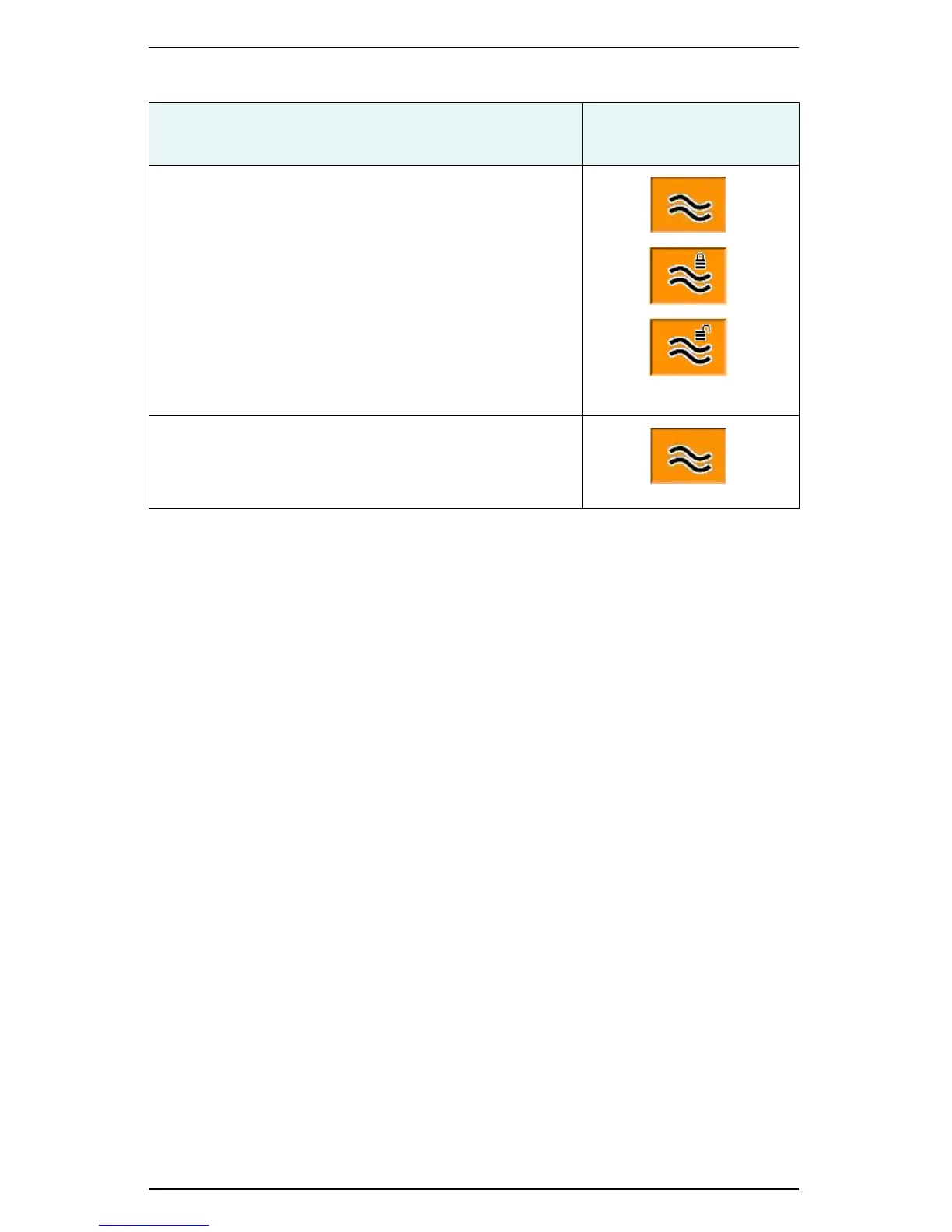
1. In contour guidance, when on or approaching the
required guidance contour touch the Contour
Guidance control button. This puts you in Contour
Lock mode (lock engaged) and a locked padlock
appears on the Contour Guidance control button. S3
stops searching for, and providing guidance on, passes
for other defined contours (no matter how close).
If you move more than 2 m off the current guidance
line, contour lock, while still engaged, becomes
inactive and the padlock appears unlocked. S3
resumes its contour search and locks again when you
are within 2 m of any guidance line.
2. To deactivate the contour lock, touch the Contour
Guidance control button. The padlock disappears.
Contour lock can be active (padlock locked) or inactive
(padlock unlocked) when you disengage it.


 To Next Page
 Loading...
