S3 User Guide 86 PN 875-0196-000 Rev C1
Appendix C: S3 Screen Description Reference
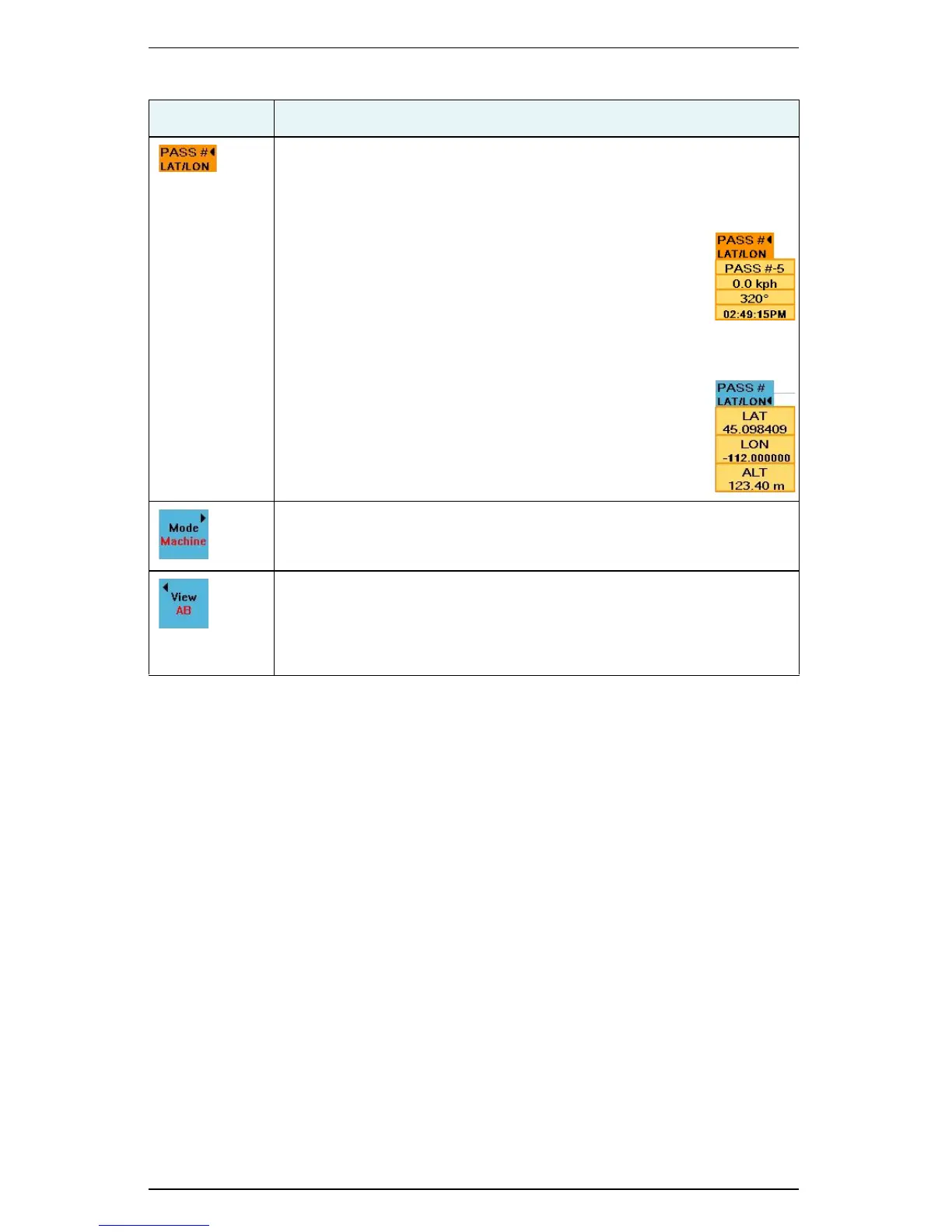
Pass #/Lat/Lon button
Works as a toggle between displaying either pass information or
location information. A black arrow appears to the right of the currently
selected information.
When PASS is selected touch to display the following
information (example at right):
• Current pass you are driving (#5 at right)
• Current speed (0.0 kph at right)
• Angle of direction (320° at right)
• Current time (02:49:15PM at right)
When LAT/LON is selected touch to display the following
information (example at right):
• Vehicle latitude (LAT at right)
• Vehicle longitude (LON at right)
• Vehicle altitude (ALT at right)
Mode button
Select the mode; available modes are machine or field.
View/Fit button
Select the view; available views are:
• AB, Course, North, 3D for Machine mode
• Machine, Fit for Fit mode
Table C-12: Map screen button and field descriptions (continued)
Button/Field Description


 To Next Page
 Loading...
