POWER UP
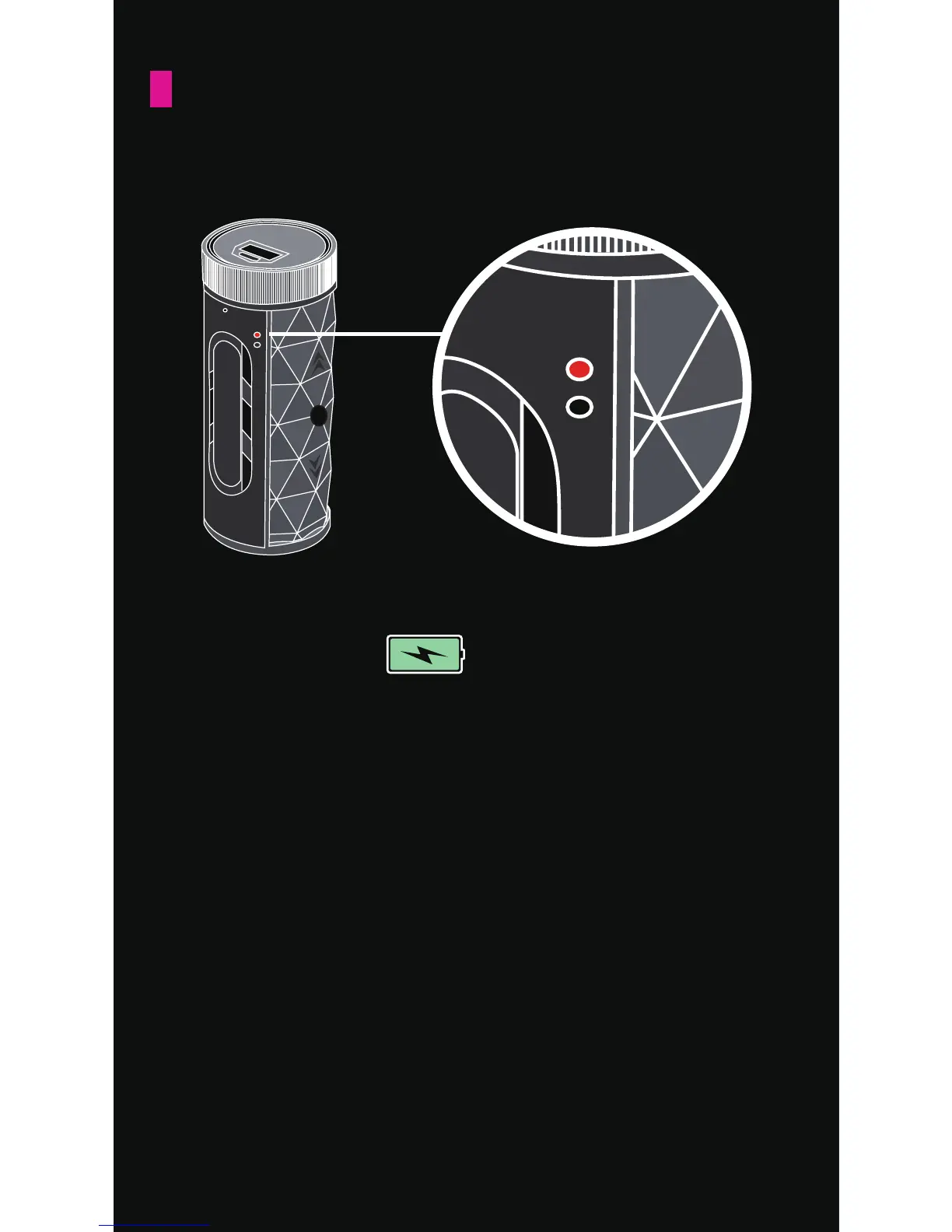
TO CHARGE
1. Connect the included MIcro USB cord to a
power source and the charging port on the
BUCKSHOT PRO. When charging, the red LED
light will stay activated. ***Full charge time
is about 3 hours.
2. When the BUCKSHOT PRO is fully charged, the
RED light will turn off.
The displayed battery meter is supported for
Apple products.
* The BUCKSHOT PRO’s Bluetooth and music
functions can still operate while charging.


 To Next Page
 Loading...