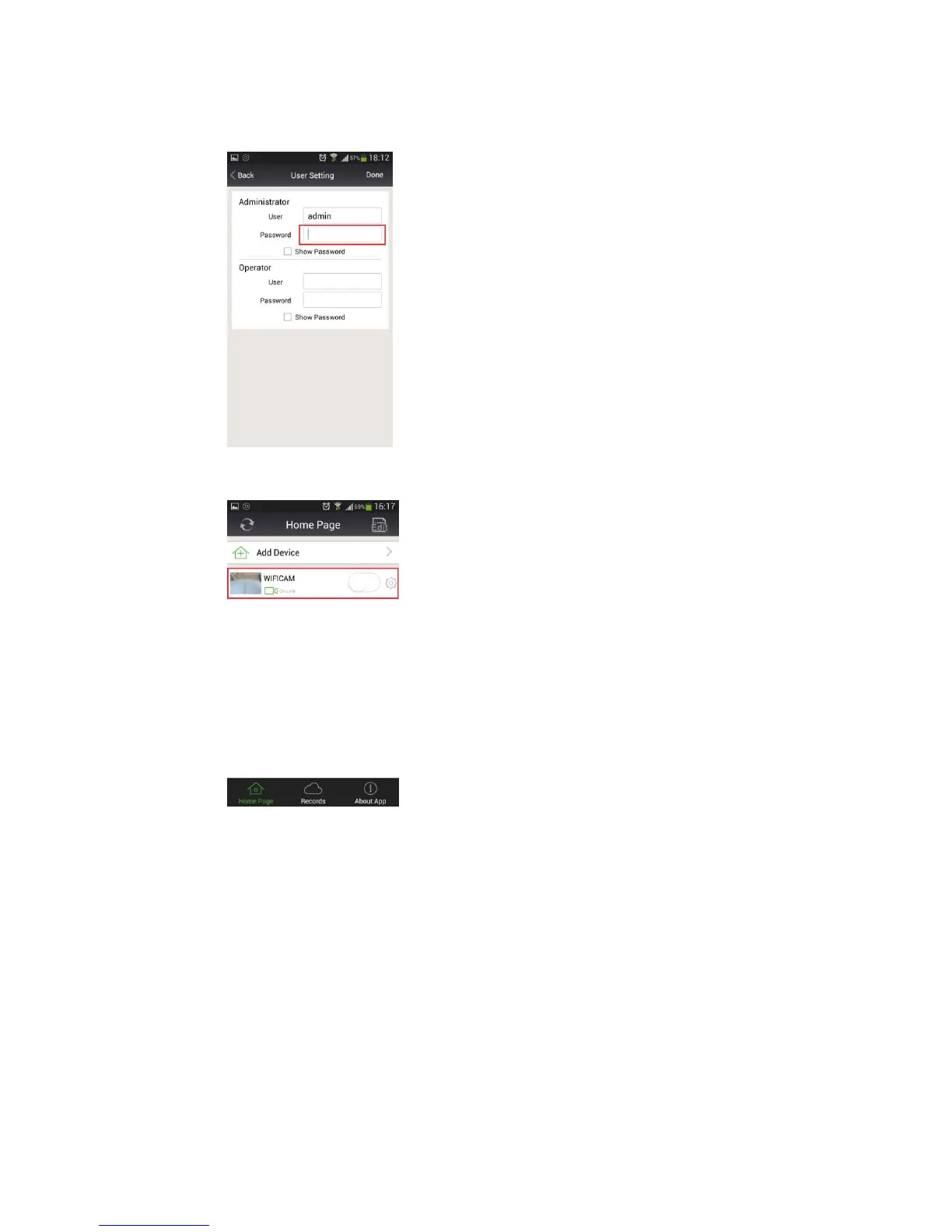
b) On this page, you can set the new Administrator password, and then click "Done" to save
the new password, and the camera will reboot and shake its head.
c) After it stops moving, it will automatically login with the new administrator password, and
you will now notice that the yellow warning icon does not exist anymore.
For online support and details of the functions and features of this camera, go to:
ouvis.zendesk.com
Support email: support@ouvis.online


 To Previous Page