© 2020 Overbeck Machine Tools, LLC Version 2.3
3.4 Start and Stop the Spindle using the Foot Switch
A) If the foot switch is being used, leave the BRAKE-RUN switch in the BRAKE
position. Press the foot switch for spindle start and rotation, release the foot
switch for the spindle to stop.
3.5 Changing the Spindle Direction
A) Switch the SPINDLE ROTATION switch to the desired rotation direction, NORMAL or
REVERSE spindle rotation direction.
3.6 Operational Notes
Generally, polishing is done at high speeds, deburring at low speeds, the bigger the
part diameter, the lower the speed needed. Select a slow speed for filing and scraping
without chatter. If chatter becomes a problem make sure your scraper is very sharp
and if necessary, reduce the spindle speed. Polishing is usually done at as fast a
spindle speed as possible without burning or smearing the part or sandpaper.
Remember, your Twister normally functions smoothly and easily. If a collet will not fit
or parts can’t be gripped without constant re-adjustments (assuming parts do not vary
in size), check for dirty or damaged collet threads, or a badly worn collet. Keep the
collet and draw tube threads clean to eliminate potential problems. If you have any
functional problems, please feel free to call and discuss your Twister machine issues.
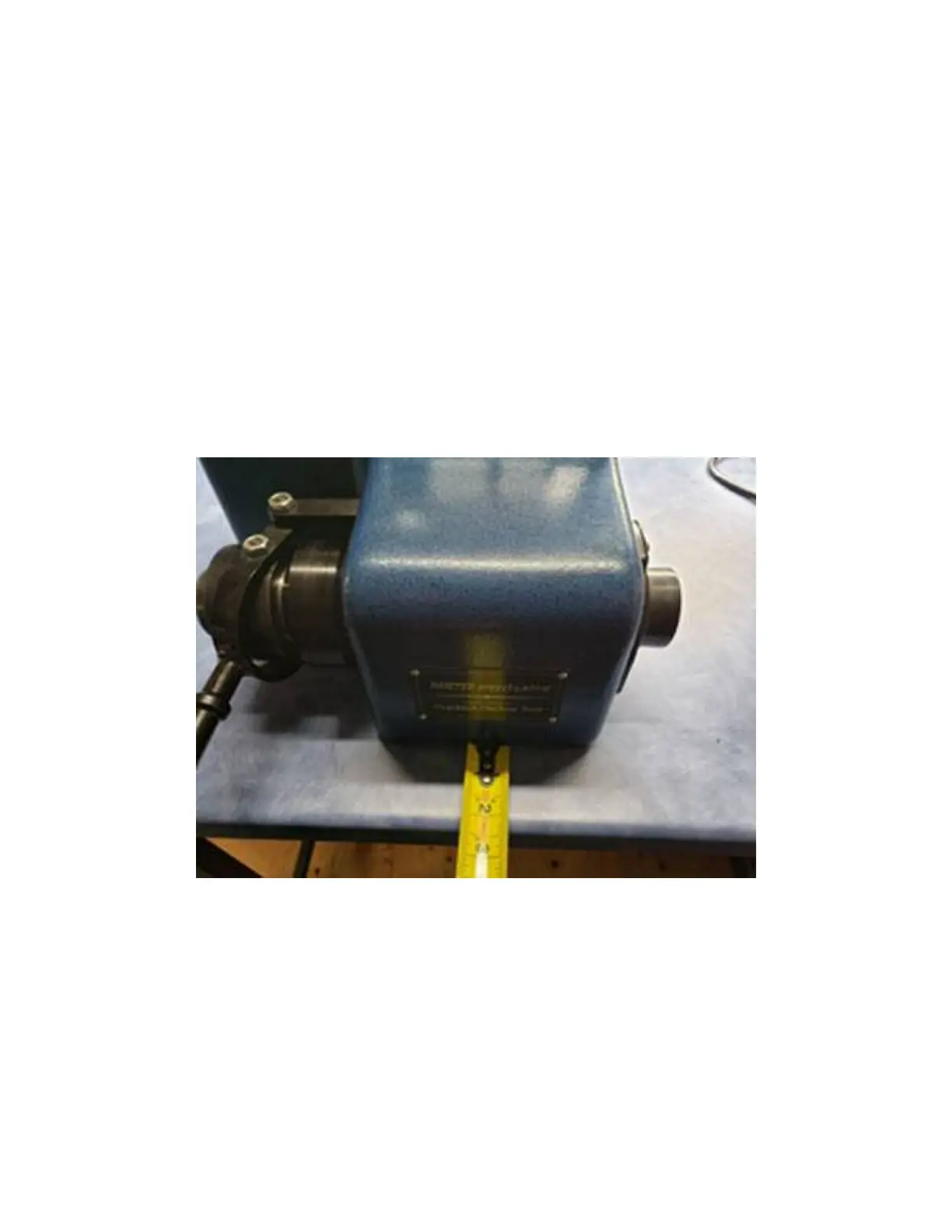
FIGURE 1


 To Next Page