EasyManua.ls Logo

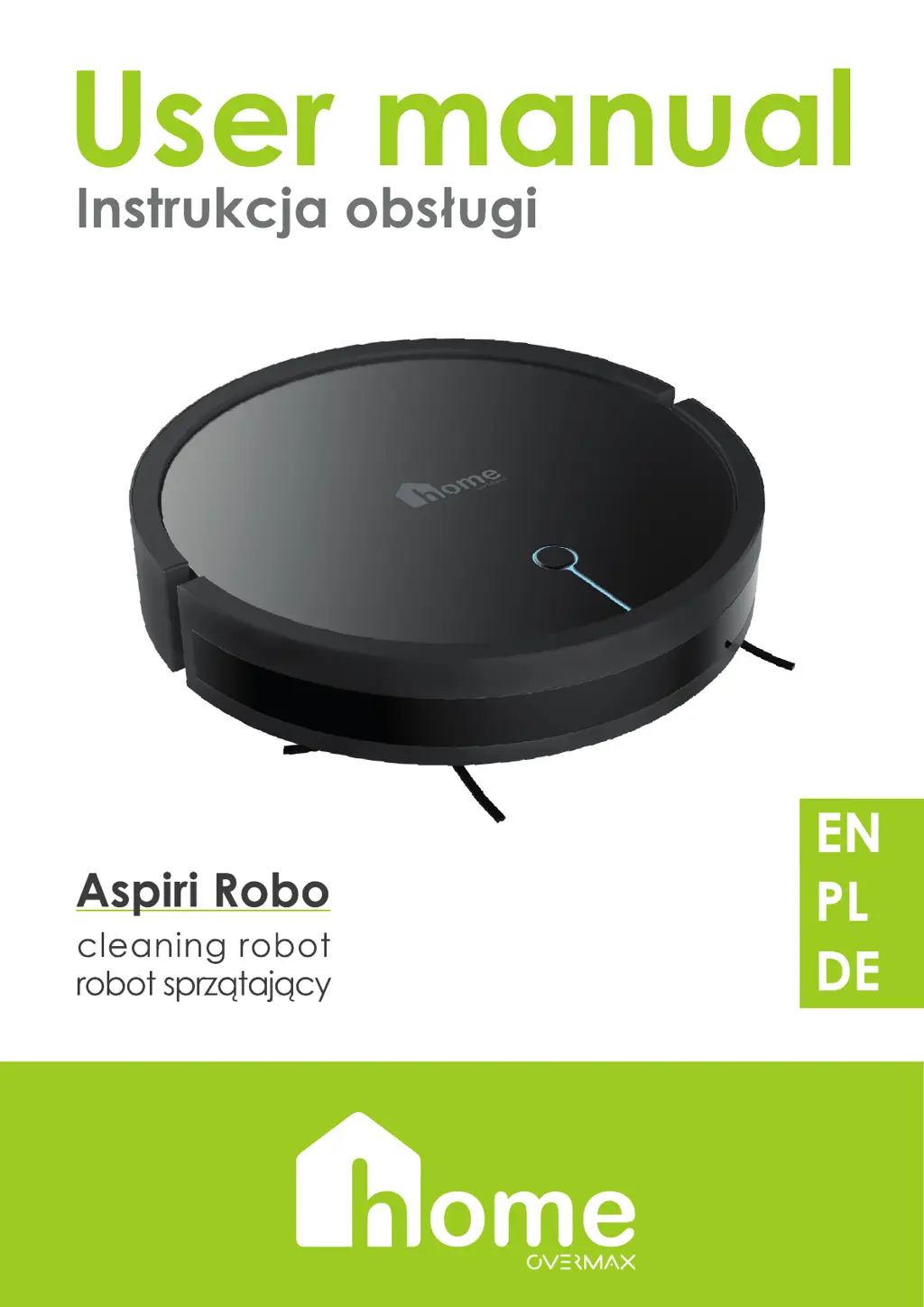
Overmax Home Aspiri Robo - User Manual

Overmax Home Aspiri Robo
56 pages
Print Icon
To Next Page IconTo Next Page
Loading...

Questions and Answers

  • J
    Julie NunezAug 3, 2025
    Why is my Overmax Home Aspiri Robo Vacuum Cleaner remote control not working?
    • K
      kathryngilesAug 3, 2025
      If the Overmax Home Vacuum Cleaner remote control isn't working, first replace the batteries. If that doesn't solve it, ensure the vacuum cleaner is switched on and/or charged. Finally, clean the infrared sensor on both the vacuum cleaner and remote, check for obstructions blocking the signal, and identify other infrared-emitting devices that might interfere.
  • V
    Veronica RossAug 13, 2025
    How to fix Overmax Home Vacuum Cleaner not charging?
    • M
      michaelrobertsonAug 13, 2025
      If your Overmax Home Vacuum Cleaner isn't charging, ensure the contacts between the vacuum cleaner and docking station are properly connected and clean. If the battery still doesn't charge, especially after long periods of disuse, place the cleaner on the docking station for 3 minutes, then stop. Repeat this process three times before resuming normal charging.
  • J
    Joshua ShortAug 23, 2025
    What to do if my Overmax Home Vacuum Cleaner does not activate during scheduled vacuuming?
    • J
      Jenna LoweAug 23, 2025
      If your Overmax Home Vacuum Cleaner won't activate during scheduled cleaning, make sure it's switched on and the battery is sufficiently charged. Also, check if the dust tank is clogged or if any other components are blocked; if so, switch off the cleaner and clean the dust tank and filters.

Summary

Device Outline

Vacuum Cleaner

Details the components and parts of the robot vacuum cleaner.

Charging Unit

Details the components and parts of the charging station.

Charging Unit

How to Charge

Step-by-step guide on how to charge the vacuum cleaner.

Description of Vacuuming Modes and Functions

Troubleshooting

Application

Registering and Logging In

Steps for creating an account and logging into the mobile application.

Adding a Device

Instructions for connecting the vacuum cleaner to the mobile application.

Amazon Alexa Control

Overmax Home Aspiri Robo Specifications

General IconGeneral
Battery Capacity2600 mAh
Filter TypeHEPA
FunctionsVacuuming, Mopping
Battery TypeLi-ion
Suction Power2000 Pa
Wet CleaningYes
Climbing Ability15 mm
Drop SensorYes
Bump SensorYes
Scheduled CleaningYes
Virtual WallNo
Auto RechargeYes
ColorBlack
TypeRobot
Dust Container Capacity600 ml
Water Tank Capacity0.3 L
ConnectivityWi-Fi
Cleaning ModesAuto, Spot, Edge