EN
QUANTUM
ARGB FULL MODULAR POWER SUPPLY
Installation
Removing your existing power supply If you
are building a new system, skip to Step B.
A
1. Disconnect the AC power cord from your wall outlet or UPS and
from the existing power supply.
2. Disconnect all the power cables from your video card, motherboard
and all other peripherals (SATA & MOLEX)
3. Follow the directions in your chassis manual and uninstall your
existing power supply.
4. Proceed to Step B.
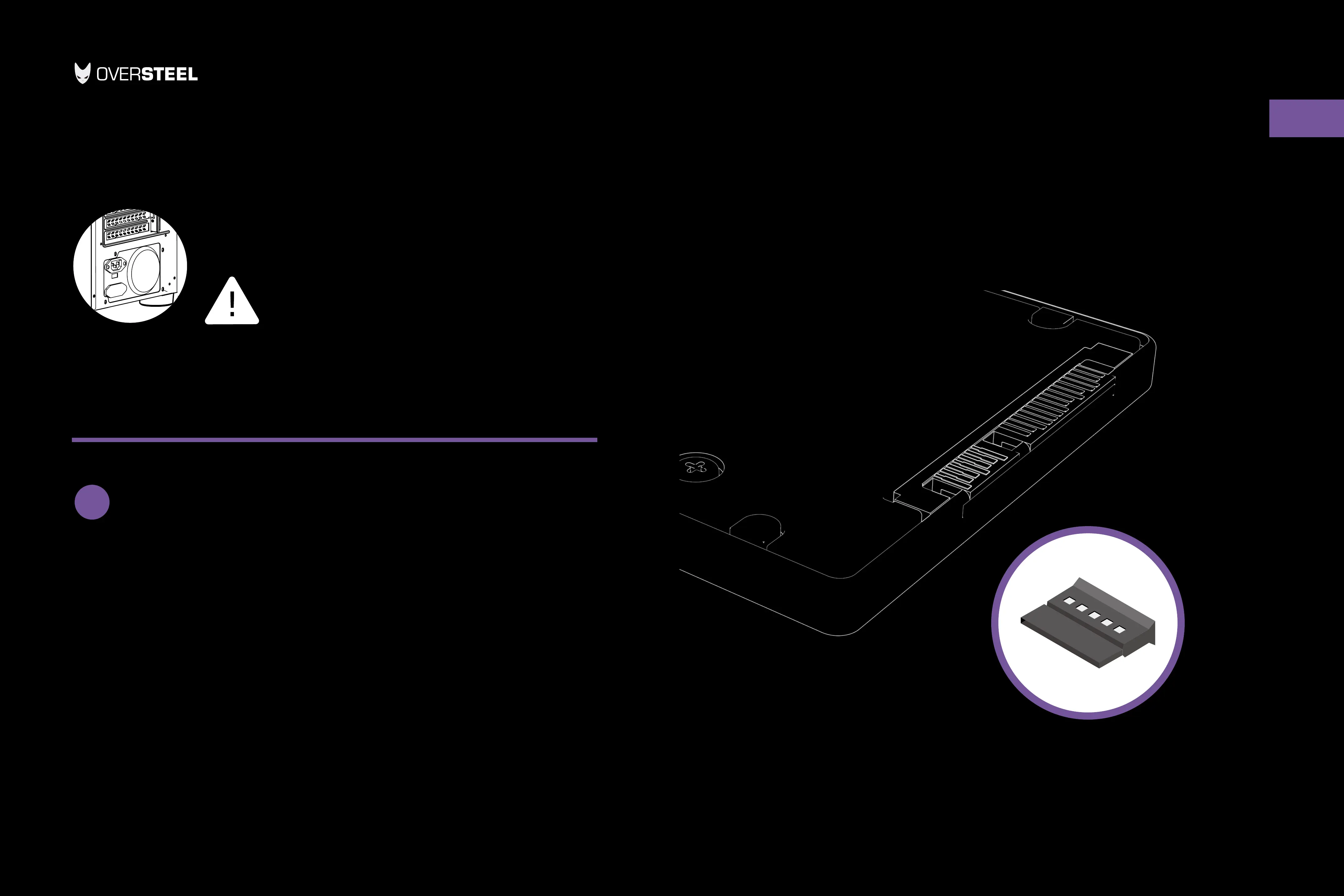
SATA connector Reference
Disconnect the AC power
before installation


 To Next Page