10 © 2 Save Energy Limited 2014
Useful Information
Network OWL Factory Reset:
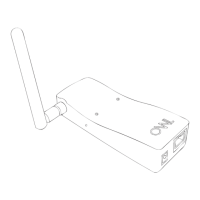
You can Factory Reset the Network OWL by pressing the reset button (see diagram on
page 3) while the power is on. With the Network OWL powered up, carefully insert a
paperclip into the small hole and hold the button pressed in for a minimum of 10 seconds
and then release. The green LED will ash rapidly. After about 30 seconds the blue LED
will start a steady ash. After a Factory Reset you must work through this guide again
but when following STEP TWO tick “Account Exists” to reuse your original account and
password.
Network OWL Ethernet port LEDs:
These LEDs have the following meanings: Green – link ok / up; Yellow – data activity.
Customers with Existing OWL Electricity Transmitters:
If you already have an Intuition compatible OWL Electricity Transmitter (working with an
OWL Energy Display) then you can also pair the Transmitter to the Network OWL using the
Wizard (access via web dashboard top menu bar). The following Transmitters are sup-
ported - CMR180, CMR160R, CMR160, CMR119.


 To Next Page