2 © 2 Save Energy Limited 2014
OVERVIEW
This manual describes how to install and commission the
Network OWL ready for the addition of other Intuition
products /devices (sold separately). See manuals supplied
with those products / devices for further instructions.
BEFORE YOU START
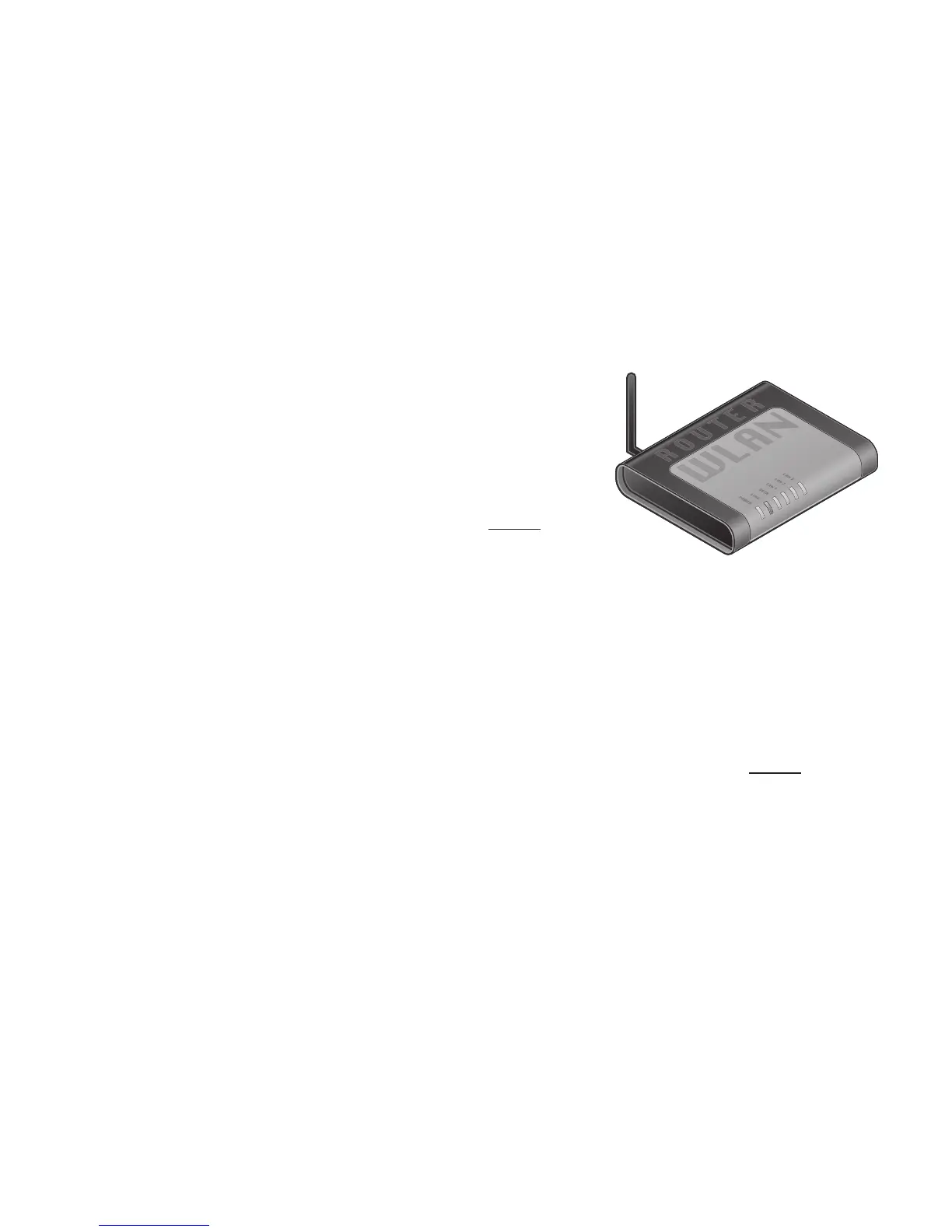
Please locate and check that you have a spare active LAN
port available on the back of your broadband Internet router. You
will need to plug in the supplied Ethernet cable. If all of the ports are
in use, you can add more connections by purchasing an Ethernet Switch / Hub. You will
also need a spare mains socket available close by for the supplied Plug top mains power
supply.
STEP ONE - Connect to Internet & Power Network OWL
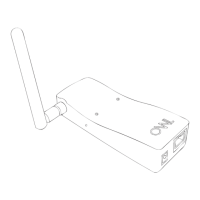
• Ensure antenna is screwed, nger tight, onto brass connector on side of the Network
OWL.
• Plug the Ethernet cable into the base of the Network OWL and a spare active LAN port
on your existing broadband Internet router.
• Ensure the connector latches with an audible “click” at both ends.
• Select UK or Euro mains adaptor as required. Fit to the power supply and rotate 90°
until it latches into place.


 To Next Page