© 2 Save Energy Limited 2014 5
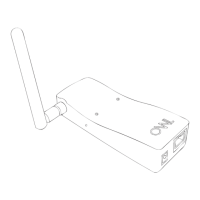
If your Network OWL does not go online (“triple blip”):
• The Network OWL can normally connect to the OWL servers when plugged into a
normal domestic broadband router which has a default security conguration.
• If the Network OWL does not connect within 5 minutes:
a. Ensure that your Internet connection is working by connecting to a familiar site
using your web browser.
b. Check Ethernet cable connections - remove cable and ret a few times at both
ends to remove any dust on the connections.
c. Try rebooting your broadband router by powering down for 10 seconds and then
power back up. Allow 5 minutes for everything to re-establish itself and then plug
the Network OWL Ethernet cable back in.
d. Ensure that the LAN port you are using is live and operational. You should see
yellow & green activity LEDs ashing on the router next to the Network OWL
Ethernet plug. The ports on some cable TV combined Cable Modem / Routers are
not live if the device is operating in Modem mode.
e. Please check the Network OWL support articles at https://theowl.zendesk.
com for further information.
Note: The table opposite describes the meanings of the LEDs visible on the top face of the
Network OWL.


 To Next Page