! NOTE.
Always check the range indicator when changing the locations of
either the Base Station or the Baby.
Collapsed View
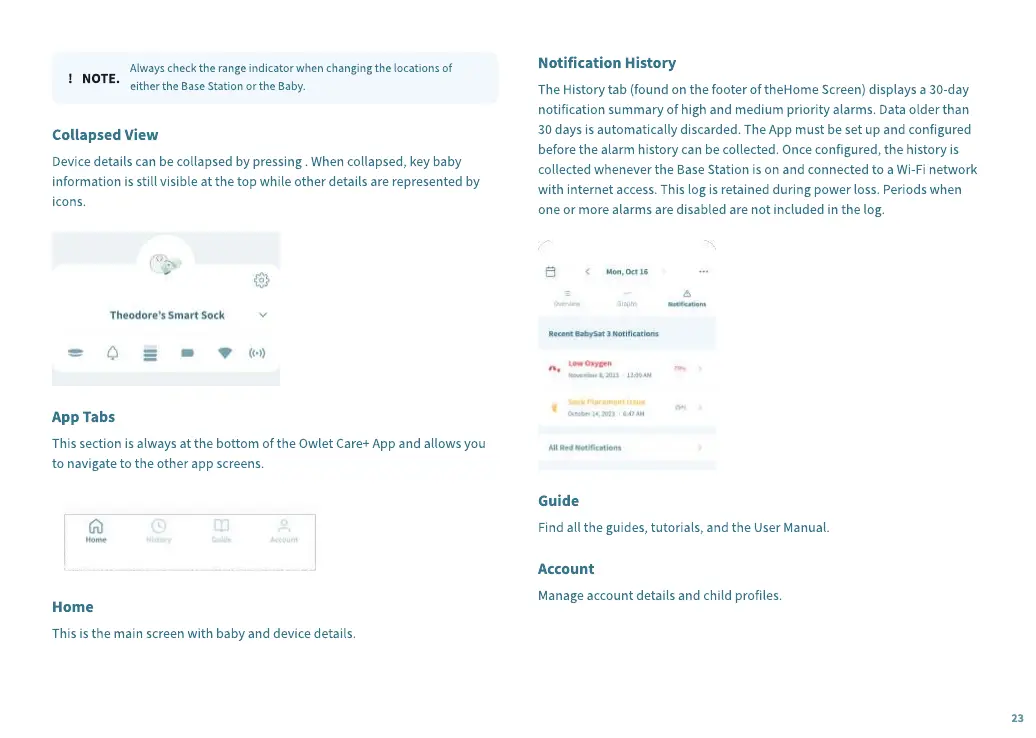
Device details can be collapsed by pressing . When collapsed, key baby
information is still visible at the top while other details are represented by
icons.
App Tabs
This section is always at the bottom of the Owlet Care+ App and allows you
to navigate to the other app screens.
Home
This is the main screen with baby and device details.
Notification History
The History tab (found on the footer of theHome Screen) displays a 30-day
notification summary of high and medium priority alarms. Data older than
30 days is automatically discarded. The App must be set up and configured
before the alarm history can be collected. Once configured, the history is
collected whenever the Base Station is on and connected to a Wi-Fi network
with internet access. This log is retained during power loss. Periods when
one or more alarms are disabled are not included in the log.
Guide
Find all the guides, tutorials, and the User Manual.
Account
Manage account details and child profiles.
23


 To Next Page
 Loading...