EasyManua.ls Logo

Oxford Instruments Andor Apogee Alta Series - User Manual

Default Icon
50 pages
Print Icon
To Next Page IconTo Next Page
Loading...
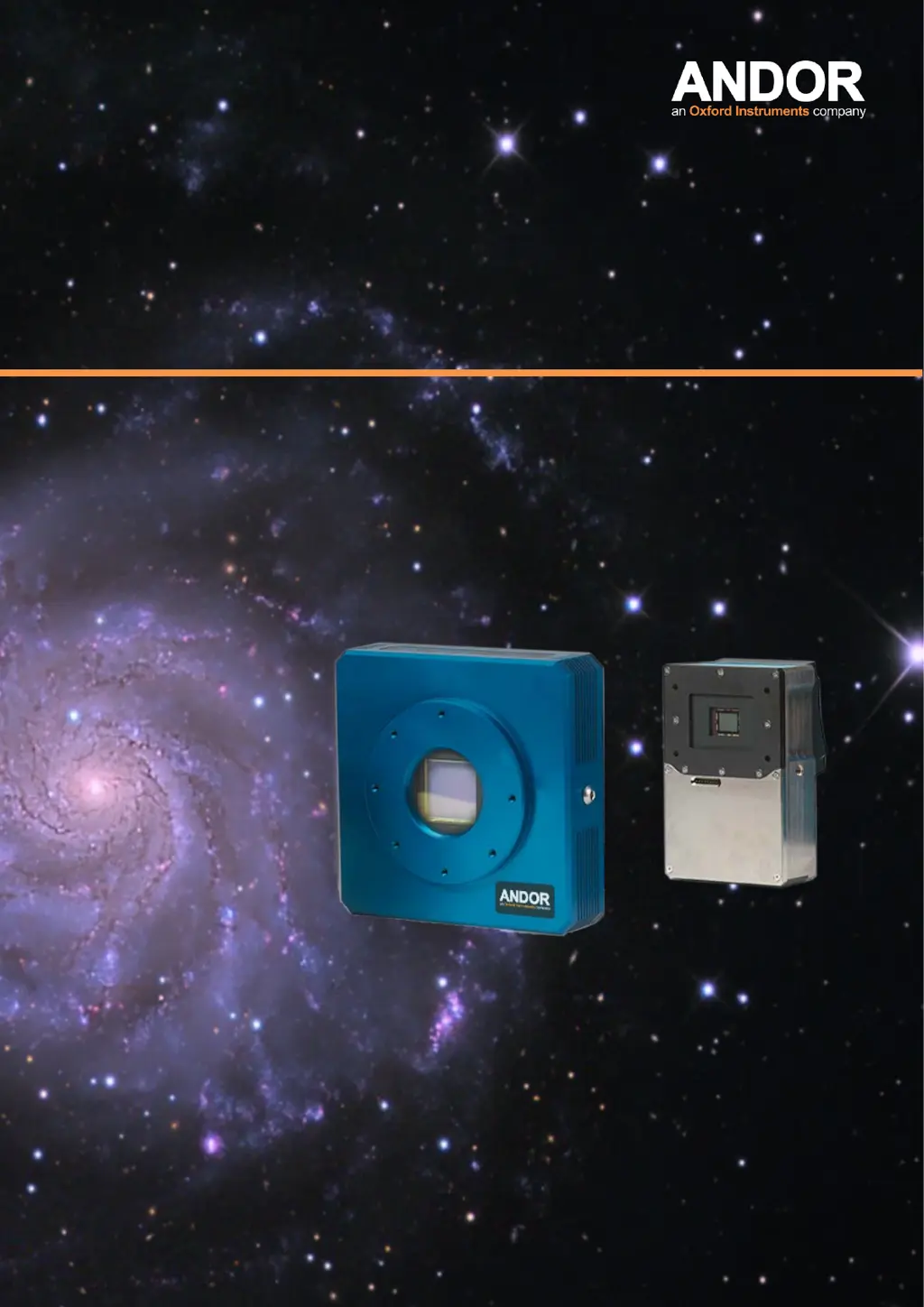
Apogee Alta
& Ascent Series
andor.com © Andor Technology Ltd. 2016
Hardware Guide
Version 1.5 rev 23 Sep 2016

Table of Contents

Questions and Answers

  • G
    Gary GibsonAug 4, 2025
    What to do if my Oxford Instruments Andor Apogee Alta Filter Wheel won’t connect?
    • J
      jbakerAug 4, 2025
      If the Oxford Instruments Digital Camera filter wheel is not connecting, check that the USB and power connectors are securely plugged in. Also, verify that the Apogee Driver and Apogee USB 32/64Bit Driver are installed by checking the Add or Remove Programs dialog. The issue might also be that the USB cable is more than 15 feet long without a powered hub.
  • B
    Brian DeanAug 13, 2025
    Why does the Oxford Instruments Andor Apogee Alta wheel turn but not stop?
    • G
      Gary MyersAug 13, 2025
      If the Oxford Instruments Digital Camera wheel turns but does not stop, make sure the lid is fastened and the Filter Wheel is not operating in a brightly lit room.
  • M
    Marilyn HamptonAug 25, 2025
    How to fix an Oxford Instruments Andor Apogee Alta when the motor turns but the wheel doesn't?
    • M
      Mary MataAug 25, 2025
      If the motor of your Oxford Instruments Digital Camera is turning but the wheel isn't, first, ensure the belt is correctly positioned on the motor pulley. If the motor is turning but the pulley isn't, tighten the motor pulley set screw, being careful not to strip it. Lastly, verify that the screws used to mount the filters are not too long and colliding with the housing underneath the carousel.

Summary

Safety and Warning Information

General Safety Precautions

General safety precautions and warnings for using Apogee cameras, covering various operational aspects.

Hot Surface Warning

Specific warning about potential hot surfaces on the camera, especially under fault conditions.

Introduction and Support

Help and Technical Support

Contact information and resources for assistance with Apogee cameras.

Disclaimers and Trademarks

Legal disclaimers, trademarks, and patent information for Apogee products.

About Apogee

Background information about Apogee Imaging Systems and its history.

Installation Guide

Installation Summary and Guidelines

Overview of installation steps and general guidelines for safe camera setup.

Supplied Items

List of standard supplied items, replacement items, and optional accessories.

Product Description

Overview of external features and connections for Ascent and Alta series cameras.

Power and Signal Connections

Detailed instructions for connecting power and signal cables to the camera.

Software Setup

Camera Driver Installation

Instructions for installing or updating the Apogee camera driver software.

Maxlm DL Software Setup

Guidance on installing the Maxlm DL image processing software.

Uninstalling Apogee Software

Procedure for completely removing Apogee software from the system.

Maxlm DL Configuration

Setting up Maxlm DL for Camera Control

Guide to configuring Maxlm DL software for controlling Apogee cameras.

Connecting Your Camera

Mounting Your Camera

Steps for physically mounting the Apogee camera to equipment.

Connecting Power and Signal Cables

Instructions for connecting power and signal cables to the camera.

Apogee Alta Connections

Specific connection details for the Apogee Alta camera.

Apogee Ascent Connections

Specific connection details for the Apogee Ascent camera.

Camera Cleaning

General Cleaning Information

Guidelines for cleaning the camera body and components.

Cleaning the Camera Window

Detailed procedure for cleaning the camera's sensor window.

Using Your Apogee Camera

CCD Image Calibration Procedures

Overview of standard CCD image calibration techniques like dark, bias, and flat field.

Image Processing and Enhancement

Methods for further processing, combining images, and improving image quality.

Field of View and Scale

Understanding how telescope and camera settings affect field of view and image scale.

Specifications

Ascent General Specifications

Technical specifications for the Apogee Ascent camera series.

Alta General Specifications

Technical specifications for the Apogee Alta camera series.

Mechanical Drawings - Ascent

Detailed mechanical drawings and dimensions for the Ascent camera.

Mechanical Drawings - Alta

Detailed mechanical drawings and dimensions for the Alta camera.

Filter Wheel Installation

Filter Wheel Setup and Drivers

Introduction to filter wheel installation and updating necessary Apogee drivers.

Driver Installation (Windows 7)

Step-by-step guide for installing filter wheel drivers on Windows 7.

Maxlm DL Filter Wheel Control

Instructions for installing Maxlm DL and using it to control the filter wheel.

Installing Filters and Mounting

Detailed process for installing filters into the wheel and mounting the wheel to the camera.

Attaching to Optical Equipment and Setup Suggestions

Integrating the filter wheel/camera with optical systems and general setup tips.

Troubleshooting

Appendix: Other Information

Warranty and Terms of Sale

Details on product warranty, terms of sale, and conditions.

WEEE Disposal Information

Information regarding the disposal of electronic equipment according to WEEE regulations.

Oxford Instruments Andor Apogee Alta Series Specifications

General IconGeneral
InterfaceUSB 2.0
Digitization16-bit
Exposure ControlSoftware controlled
Sensor TypeCCD
CoolingThermoelectric
ApplicationsAstronomy, Spectroscopy