Activating SOS for
emergency support
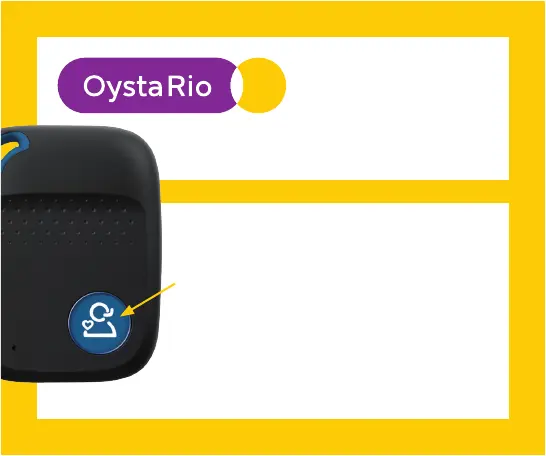
If you need help PRESS the SOS button for 3-4
seconds. A voice will say:
“Please wait, dialing for assistance”
This means an SOS alarm being raised.
How to STOP an SOS
If you don’t need help, simply press
the SOS button again once within
10 seconds. The SOS call will be
cancelled.
SOS
button


 To Next Page