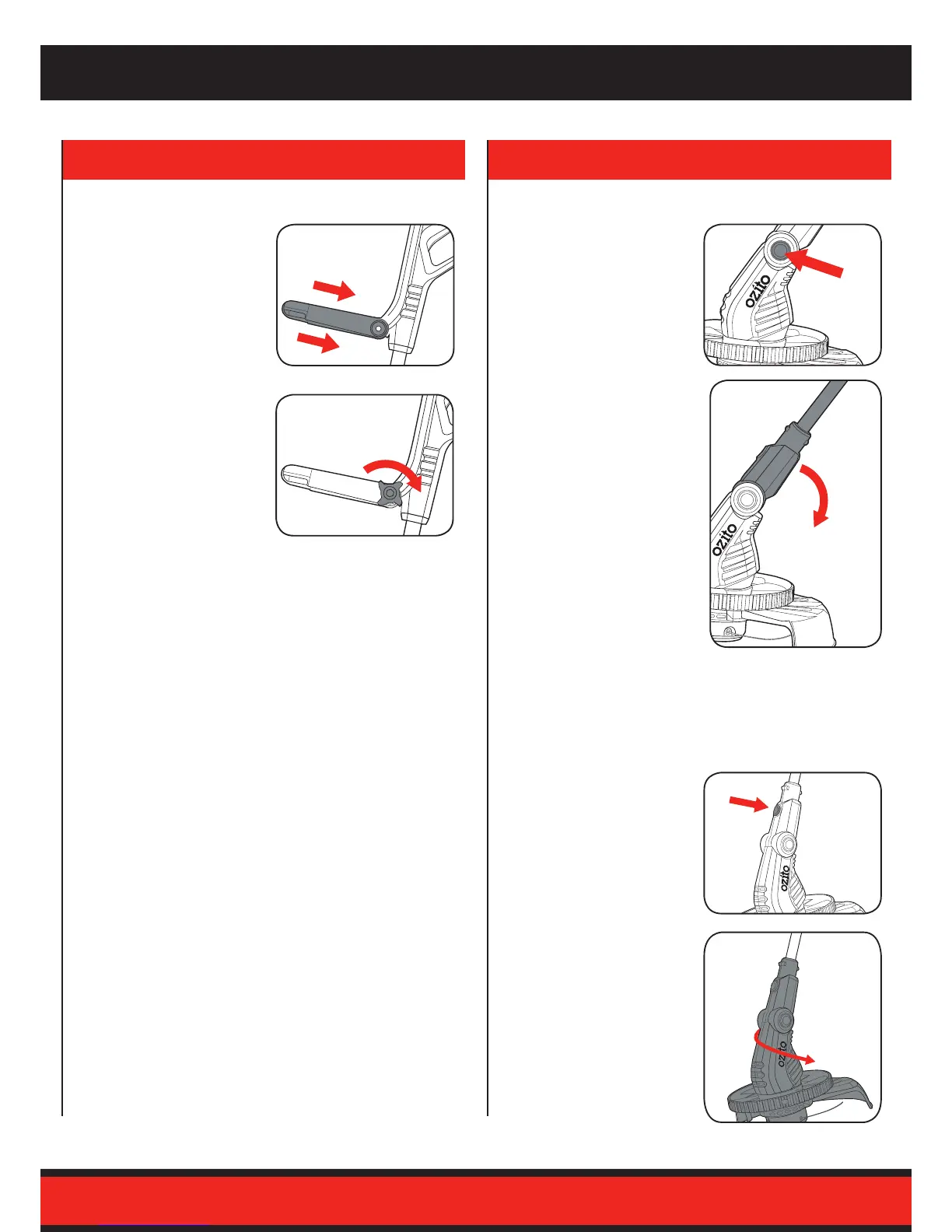
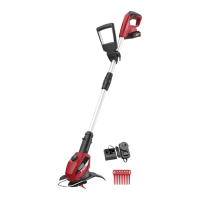
1. Place the Adjustable
Handle between the
bracket so it is positioned
correctly.
2. Insert the supplied Locking
Knob and secure with the
locking nut.
Do not overtighten.
2. ADJUSTMENTS
Fitting the Adjustable Handle
1. Depress the Head Angle
Lock Button to allow the
head to tilt.
2. Move the Telescopic Shaft
into the required position
and release the Head
Angle Lock Button.
Note: Ensure the cutter head
angle is locked into place before
operating.
Adjusting the Cutter Head Angle
1. Press the Rotating Head
Lock Button up to allow the
head to rotate.
2. Rotate the head 90° ant-
clockwise and release the
button to lock in place.
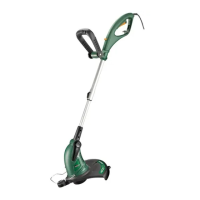
Thelinetrimmeristtedwitharotatingheadtoallowforedging
and trimming. To switch between the two, the head must be
rotated following the steps below.
Rotating the Cutting Head
Note: The head will only rotate
in one direction.


 To Next Page