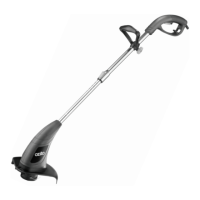
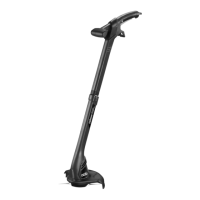
Note: Before using the hedge trimmer:
• Remove the blade cover.
• Make sure you have a secure and balanced footing.
• Make sure the cutting blade is not touching the ground or
any other objects.
• The unit has both a front and rear handle. Hold the unit by both
handles, with the blade directed away from you.
• Wear safety goggles and non-skid footwear, hold the unit with both
hands with the cutting blades directed away from you.
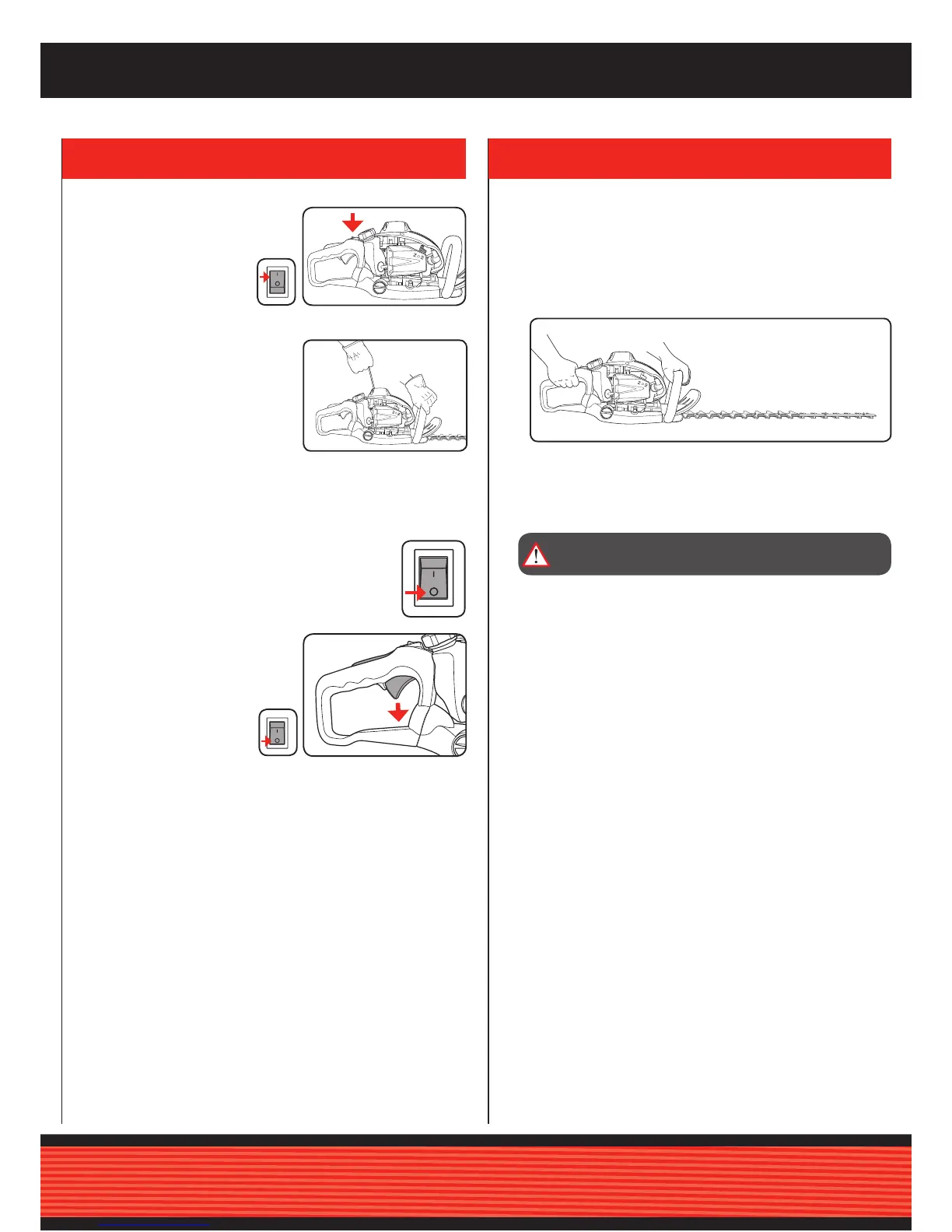
Warm starting
1. Put the equipment down
on a hard, level surface.
2. Move the On/Off switch
to “I”.
3. Hold the hedge trimmer rmly and
pull out the recoil starter until you
feel it start to resist. Pull rmly on the
recoil starter. The equipment should
start after 1-2 tries. If the equipment
does not start after 6 pulls, repeat
steps 1-6 of the
procedure for “Cold starting”.
Stopping the hedge trimmer
Emergency Stop procedure:
If it becomes necessary to stop the machine immediately,
set the ON/OFF switch to “Stop” or “0”
Normal procedure:
Let go of the throttle lever and wait until the engine has
changed to idling speed. Then set the
ON/OFF switch to “Stop” or “0”.
4. OPERATING THE HEDGE TRIMMER
WARNING!: ALWAYS USE THE HEDGE TRIMMER WITH
BOTH HANDS.



 To Next Page