KNOW YOUR PRODUCT
SETUP & PREPARATION
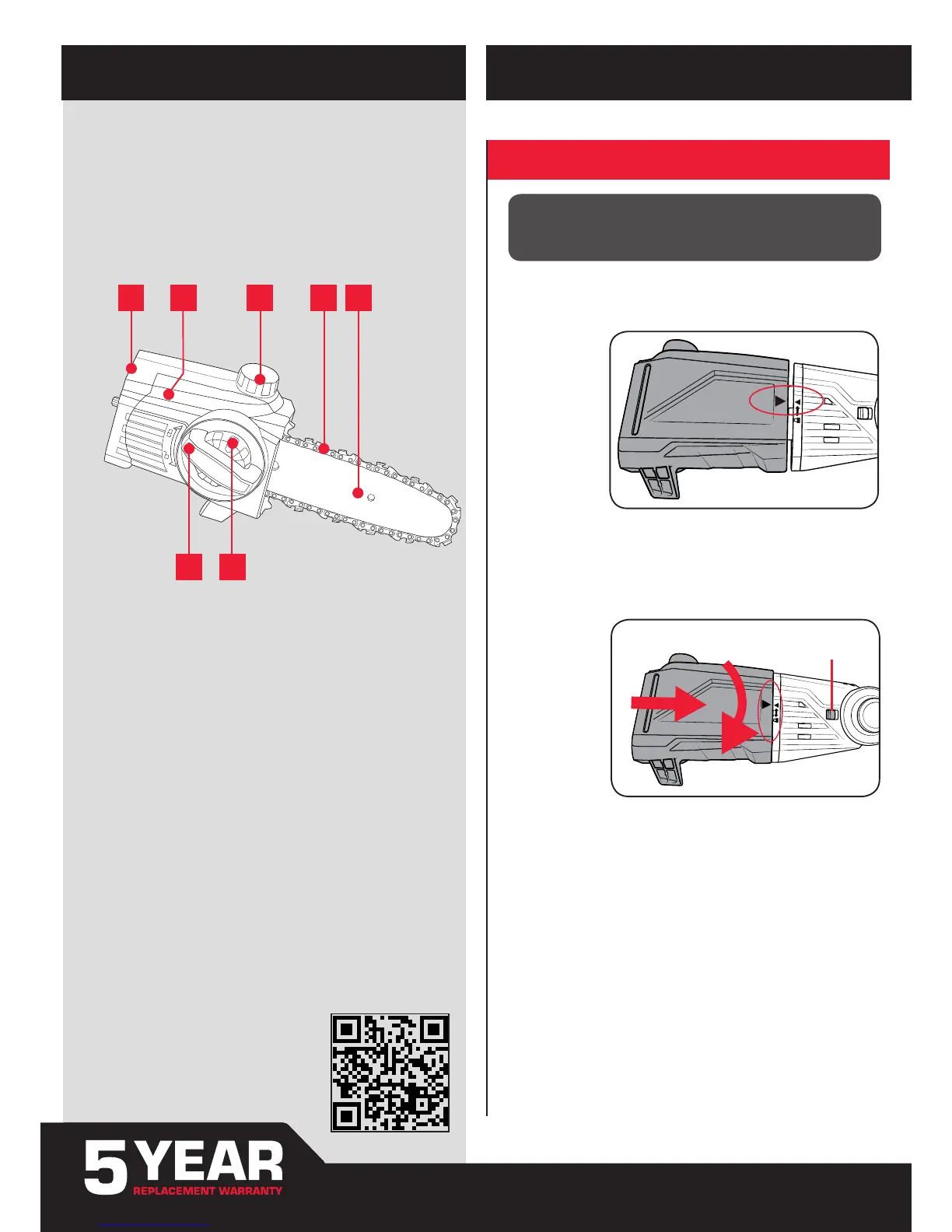
1. ASSEMBLY
1. Pruner Head
2. Side Cover
3. Oil Cap
4. Chain
5. Guide Bar
6. Chain Cover Lock
7. Chain Tension Adjustment Dial
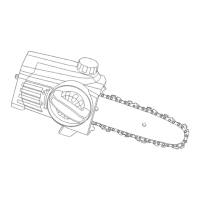
POLE PRUNER HEAD
1 2 3 4 5
76
ONLINE MANUAL
Scan this QR Code with your
mobile device to take you to the
online manual.
Note: The Lock Button will “CLICK” back to the left (original position) when
the pruner head is correctly secured in place.
CAUTION: ENSURE THE TOOL IS OFF & THE BATTERY
REMOVED BEFORE PERFORMING ANY OF THE FOLLOWING
OPERATIONS.
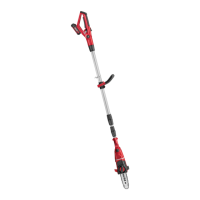
Fitting Pruner Head
1. Align the pruner head and the motor head so the arrows on both coincide.
2. (a) Press the pruner head against the motor head. This will cause the lock
button to be pushed to the right.
(b) Turn the pruner head clockwise. The pruner head will lock onto the
motor head and is then secured in place.


 To Next Page